
LED Effects Should Not Make Your Button Stop Working
Published October 30, 2026
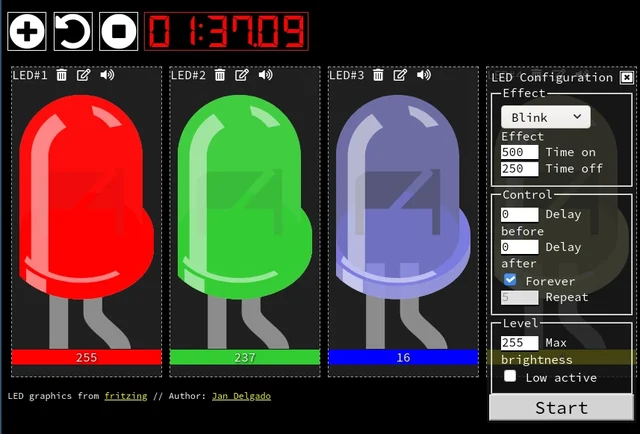
Creator screenshot of the browser demonstration, not a photograph of physical LEDs.
Image credit
doc/jled-wasm.png
Jan Delgado; graphics created with Fritzing · MIT + Fritzing CC BY-SA 3.0Resized without cropping and converted to a WebP reading preview. Full-resolution original remains available.
A responsive fade is a timing problem, not a processor contest. JLed and Arduino examples show how to animate light while the rest of a small interface keeps working.
A fading LED is an easy effect to make and a surprisingly effective way to break a responsive interface. Put a long delay between brightness changes and the animation looks fine. Meanwhile, a button press arrives, waits, and sometimes disappears before the program gets around to reading it.
The problem is not that fading needs a powerful processor. It is that the program has confused waiting for time to pass with doing useful work. Jan Delgado's JLed documentation makes that distinction concrete: describe an effect, then keep calling its update method while the rest of the application continues.
Give Time a Job, Not the Whole Program
In a cooperative loop, each effect remembers where it is. On an update, it checks whether enough time has elapsed to change the output. If not, it returns. Your program can read an input, update another light, or handle a small piece of communication before coming around again.
That is not the same as running everything simultaneously. A blocking network request can still keep the loop away from the LED. So can a slow sensor operation. A nonblocking lighting library is one participant in a responsive program, not a force field around the rest of its code.
Arduino's Blink Without Delay example demonstrates the underlying idea with elapsed time rather than a sleeping loop. JLed packages related behavior into effects, including fades, breathing patterns, and sequences. The benefit is not merely fewer lines. The timing state has somewhere explicit to live.
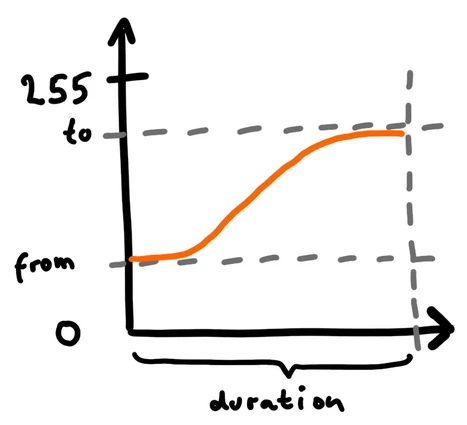
Image credit
doc/fade_from-to.png
Jan Delgado · MITResized without cropping and converted to a WebP reading preview. Full-resolution original remains available.
Jan Delgado's explanatory brightness envelope, not an oscilloscope measurement.
One Test That Matters More Than a Pretty Fade
Before adding an enclosure or several effects, give a button an observable job. Let it change a separate indicator immediately. Then run the fade while pressing the button at awkward points: during a rise, during a pause, and while another effect starts.
This is a proposed acceptance test, not a result measured here. The question is simple: does the input remain responsive throughout the animation? If it does not, check how often the main loop reaches both jobs. Moving a delay into a helper function has not removed the delay.
Keep electrical and software behavior separate, too. An ordinary LED needs suitable current limiting. A single PWM-controlled LED is not an addressable RGB pixel, and changing libraries does not make their wiring interchangeable. Check the selected board's output capabilities and the matching JLed example.
The complete republished JLed guide includes the creator's effect reference, timing plots, Morse example, and additional platform notes. Use the API documentation for the version you install; names and supported hardware can change.
A small interface feels better when nothing in it has to wait for a decorative flourish to finish. That is a useful target even if the final product contains only one button and one light.
Have a tiny effect that exposed a much bigger timing problem? Describe the behavior in the article comments below.
Keep exploring
Jan Delgado's complete JLed guide and selected original example chapters, with wiring diagrams, timing plots, and the full LED demonstration animation.
Image credit
doc/jled-wasm.png
Jan Delgado; graphics created with Fritzing · MIT + Fritzing CC BY-SA 3.0Resized without cropping and converted to WebP for the project card.
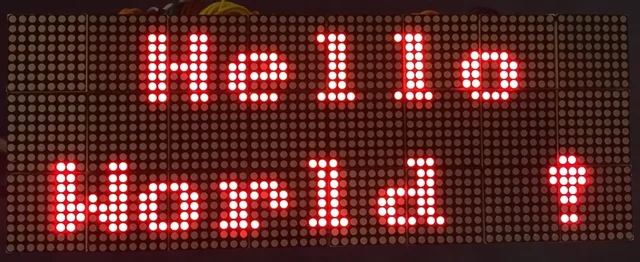
A full illustrated MAX7219 display guide: matrix wiring, power, chained modules, static graphics, and scrolling text, with the original diagrams and project photographs.
Image credit
doc/img/dispStatic.jpg
Maciej Miklas · Apache-2.0Resized without cropping and converted to WebP for the project card.
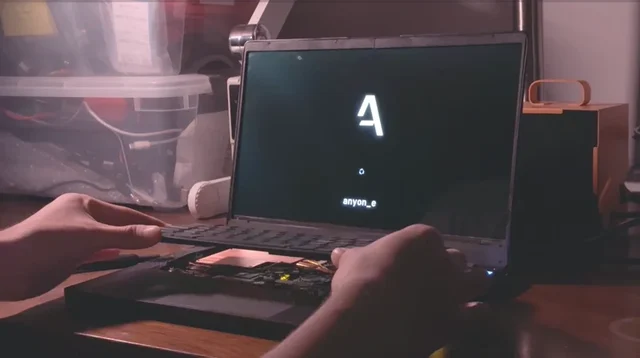
The original anyon_e creation story: a removable mechanical keyboard, custom electronics, a 4K OLED display, power-system work, Linux bring-up, and a machined chassis.
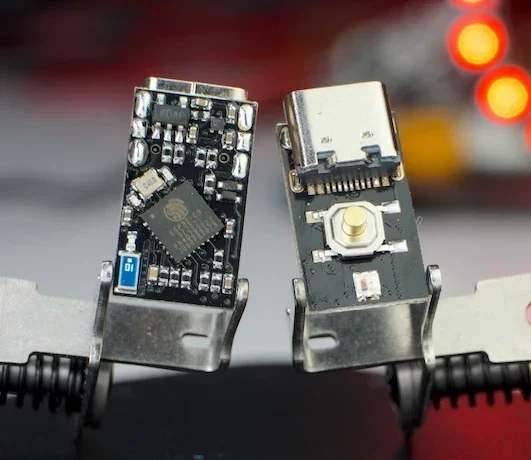
The creator's complete writeup covers latching power, GPIOs, battery connections, flashing, measured current traces and original hardware photos.
Image credit
docs/pc3t_tn_2.JPG
makermoekoe · MITResized without cropping and converted to WebP for the project card.
Comments
Member comments are temporarily unavailable.
Log in to join the discussion.