
- Difficulty (editorial)
- Beginner
- Documentation
- Experiment
- Hardware
- No microcontroller
Compatible switches, a stable plate, and consistent keycaps.
A removable switch plate idea that makes mounting and keycap differences visible instead of calling every change a switch improvement.
A switch in your hand is not a switch in a keyboard. The plate flexes. The cap changes the sound. The desk joins in.
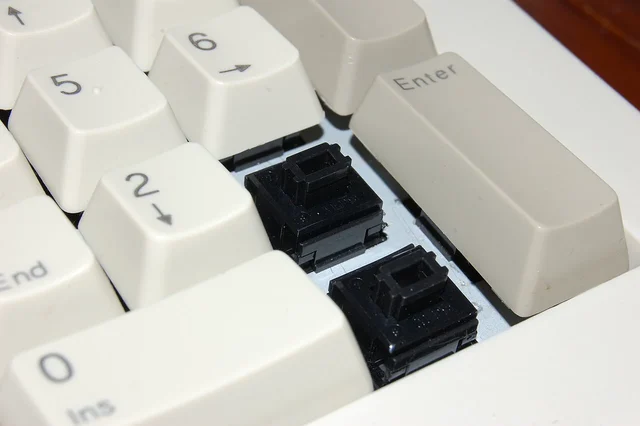
Make a small removable plate for one compatible switch family. Three positions are enough to start. Leave access to remove a sample without damaging the housing or forcing a tool against the neighboring switch. The pictured ALPS switches are a reference to one family, not a shopping list for a modern hot-swap board.
Keep the boring parts the same
Use the same keycap where compatibility allows, and keep the base and desk surface fixed. Compare feel separately from sound. A phone recording does not settle both, and automatic recording gain can make a louder sample seem less different than it is.
Try repeated presses at an ordinary typing angle. Then swap the positions of two samples. If a preference follows the position rather than the switch, the rig has contributed something worth investigating.
Write three short notes for each comparison:
- What changed?
- What stayed fixed?
- Which preference is just yours?
That third line is important. A sound can be more pleasant without being more accurate, durable, or suitable for someone else's desk.
Check removal before calling the plate finished
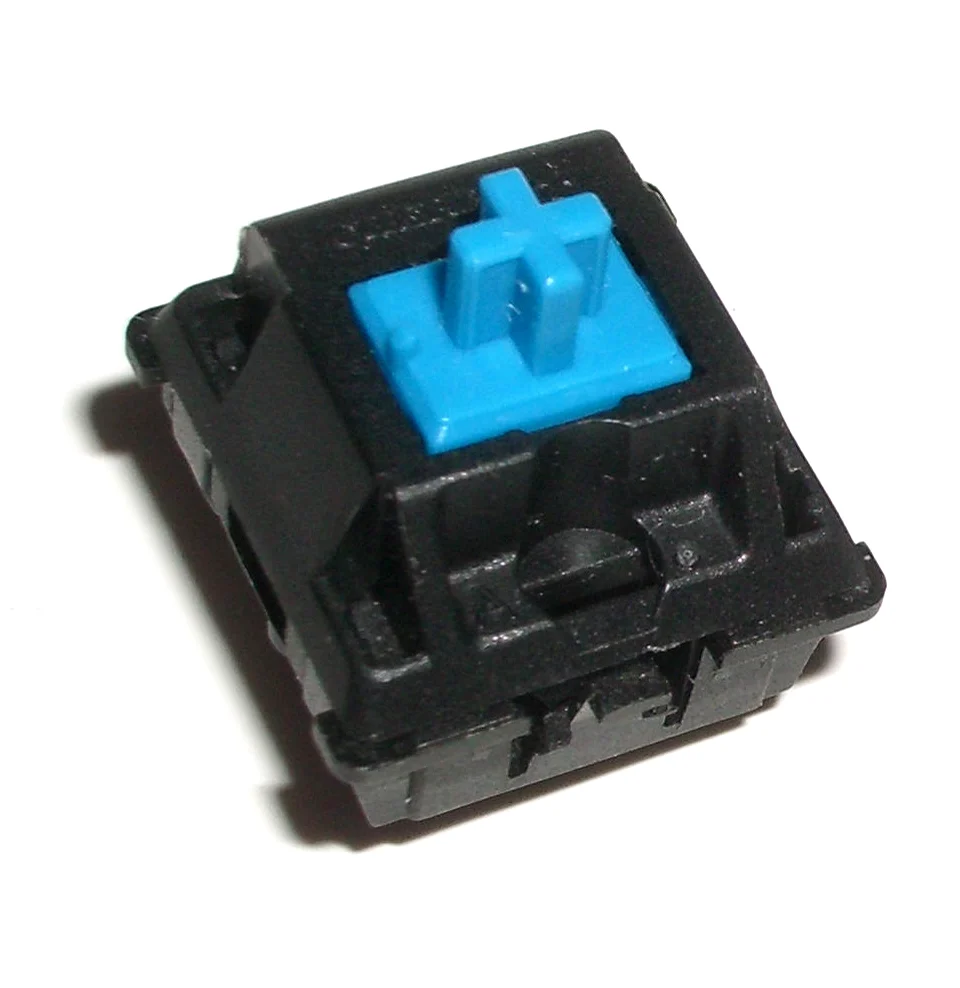
Take each sample out and put it back. Look for a loose fit, a cracked edge, or a mounting tab that requires too much force. The plate is a comparison tool; repeatedly changing samples is normal use, not an exceptional repair.
Electrical testing is separate. If you add it, use a documented low-voltage input circuit and check switch compatibility. A pleasant click does not prove a clean electrical transition.
Keep the first plate plain and easy to replace. There is no universal best switch hiding in three holes. A comparison that makes your own preference clearer is already doing useful work.
Materials
- Compatible sample switches and keycaps
- Removable test plate
- Stable base
- Optional documented low-voltage input tester
Build Steps
- 1
Choose compatible parts
Check mounting and keycap fit before making the plate.
- 2
Hold the setup constant
Keep cap, base, and recording position fixed.
- 3
Separate the comparisons
Record feel, sound, and electrical behavior as different observations.
Keep exploring
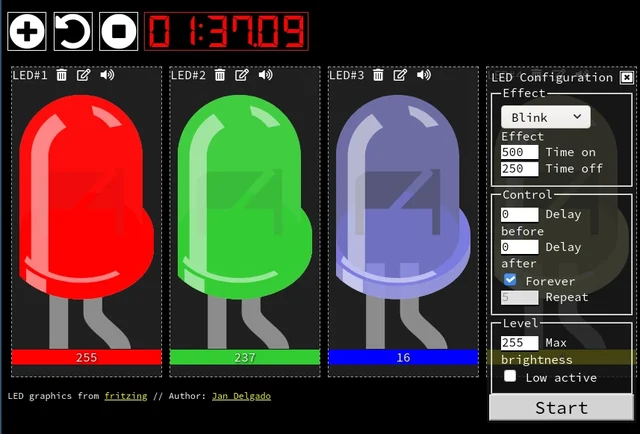
A responsive fade is a timing problem, not a processor contest. JLed and Arduino examples show how to animate light while the rest of a small interface keeps working.
Image credit
doc/jled-wasm.png
Jan Delgado; graphics created with Fritzing · MIT + Fritzing CC BY-SA 3.0Resized without cropping and converted to a WebP reading preview. Full-resolution original remains available.
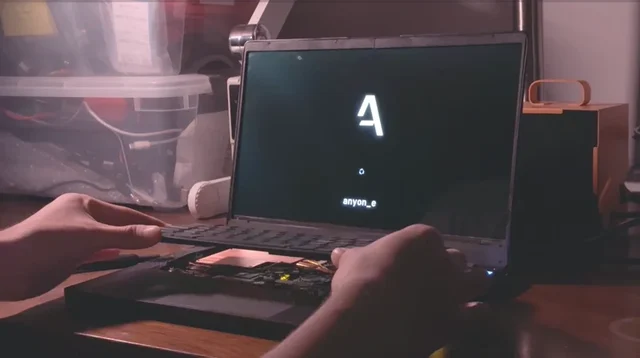
The original anyon_e creation story: a removable mechanical keyboard, custom electronics, a 4K OLED display, power-system work, Linux bring-up, and a machined chassis.
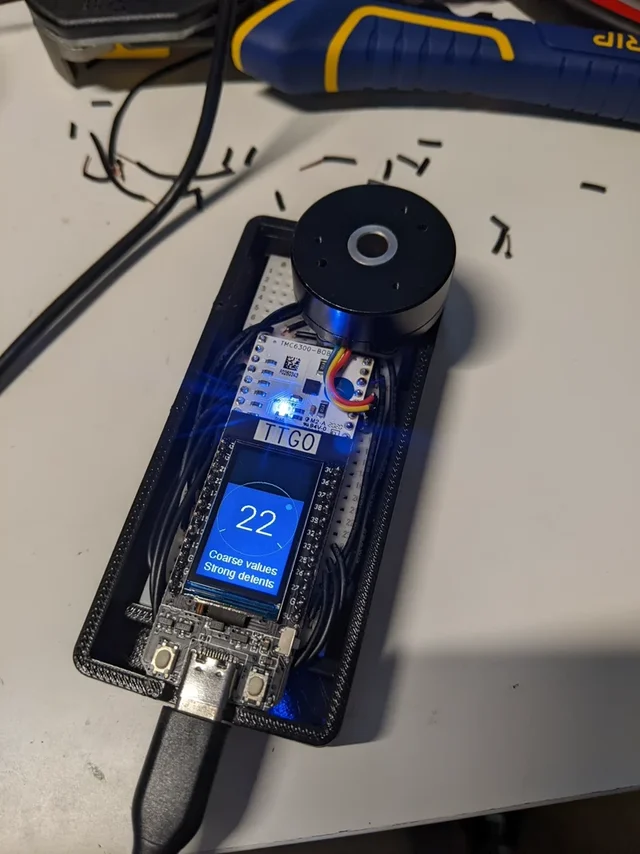
Scott Bezek's complete SmartKnob README: brushless-motor haptics, configurable stops and clicks, original prototype photograph and exploded animation, PCB notes, and build limitations.
Image credit
doc/img/PXL_20220212_013249074.jpg
Scott Bezek · Apache-2.0Resized without cropping and converted to WebP for the project card.
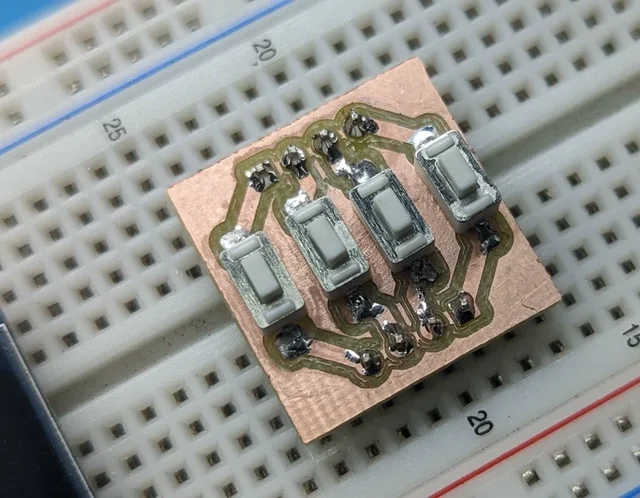
mattwach's full end-to-end PCB-milling writeup: design constraints, FlatCAM, calibration, height maps, cutting, drilling, and finishing, illustrated with the creator's process photographs.
Image credit
images/button_cnc_complete.jpg
mattwach · Apache-2.0Resized without cropping and converted to WebP for the project card.