
Cowboi Turns Blender Into a Test Bed for Anime-Style Action
Published October 25, 2026
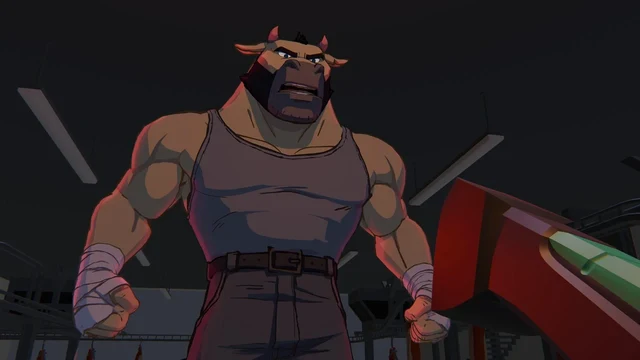
Blender Studio work-in-progress test shot, not a finished-film release image.
Image credit
Cowboi development test shot
Blender Studio / Pablo Fournier and the Cowboi team · CC BY 4.0Resized and encoded as WebP; no semantic alteration.
Blender Studio's in-development Open Movie brings drawn marks, custom lighting and a two-camera trick into one stylized production pipeline.
The appeal of Cowboi is visible before the plot is explained. Shapes are pushed hard. Drawn marks remain drawn marks. The image is not trying to disguise itself as a camera photograph; it is using a three-dimensional production system to pursue the energy of hand-built animation.
Blender Studio's September 21 announcement introduces Cowboi as its eighteenth Open Movie and Pablo Fournier's directorial debut. The film is still in development, with its distinctive look taking shape alongside the tools used to produce it.
The studio's production brief combines anime-inspired non-photorealistic rendering with the colour, pacing and outsized action of 1990s cinema. That provides a useful way into the technical story. The tools are being developed to support a particular visual language, rather than assembled into a demonstration reel with no film attached.
Start With the Mark on the Surface
One of the project's central tools is Sticky GP. Its earlier prototype allowed Grease Pencil strokes to be drawn onto a three-dimensional mesh so the marks would follow the underlying surface as it moved. That prototype grew out of an earlier Cowboi animation test; the short-film production is bringing the idea back into active development.
The attraction is easy to see. A character may need a line that feels placed by an artist, but the character still has to turn, stretch and move through a shot. If the line and the surface stop agreeing, the viewer notices the attachment instead of the drawing. Keeping strokes related to the animated geometry gives the production another way to combine those two demands.
It does not make every line-placement problem disappear. An expressive drawing and a rotating volume are not interchangeable descriptions of a face. The practical value of the tool depends on how well the production can preserve the desired mark from shot to shot, including poses in which a physically literal placement is not the most readable one.
Blender Studio says the revived version is intended to become more polished and available to others. That is a development direction, not evidence that an installable, finished Sticky GP release already accompanies the announcement. The earlier prototype was not publicly released.
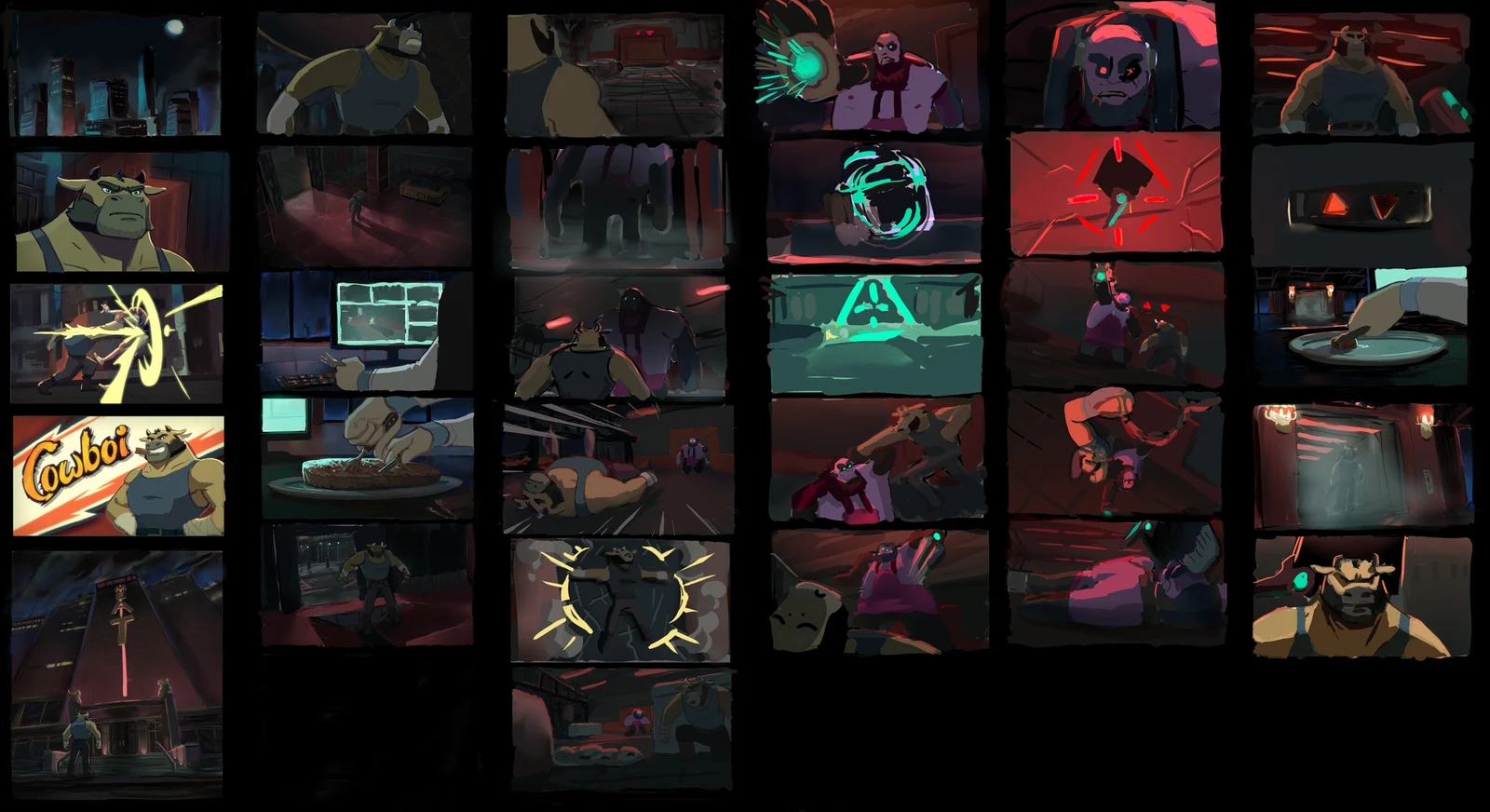
Image credit
Cowboi colourscript
Vivien Lulkowski / Blender Studio · CC BY 4.0Resized and encoded as WebP; no semantic alteration.
Cowboi colourscript by Vivien Lulkowski / Blender Studio. Development artwork, not a montage of finished scenes.
Lighting That Serves the Drawing
Cowboi is also a production example for EEVEE's in-development Material Lighting Nodes. The announcement connects them with more flexible control over material lighting. That is significant for a film whose shadows and colours need to serve its graphic design, not merely imitate how a physically neutral surface would respond to a lamp.
The colourscript by Vivien Lulkowski makes the artistic requirement tangible. It is a sequence of deliberate colour and value decisions across the film, not a catalogue of material settings. A useful production tool has to help carry those decisions into actual animated shots.
This is where non-photorealistic rendering becomes more than applying a filter after a conventional render. The choices involve materials, lighting and line work while the scene is being built. A technically consistent result can still miss the intended image if it puts a shadow across the wrong expression or gives an important shape too little separation from its background.
The project is using development versions of Blender as part of that work. Its images are examples of an evolving production pipeline; readers should not infer that every shown feature is finished, stable or available in the release they currently have installed.
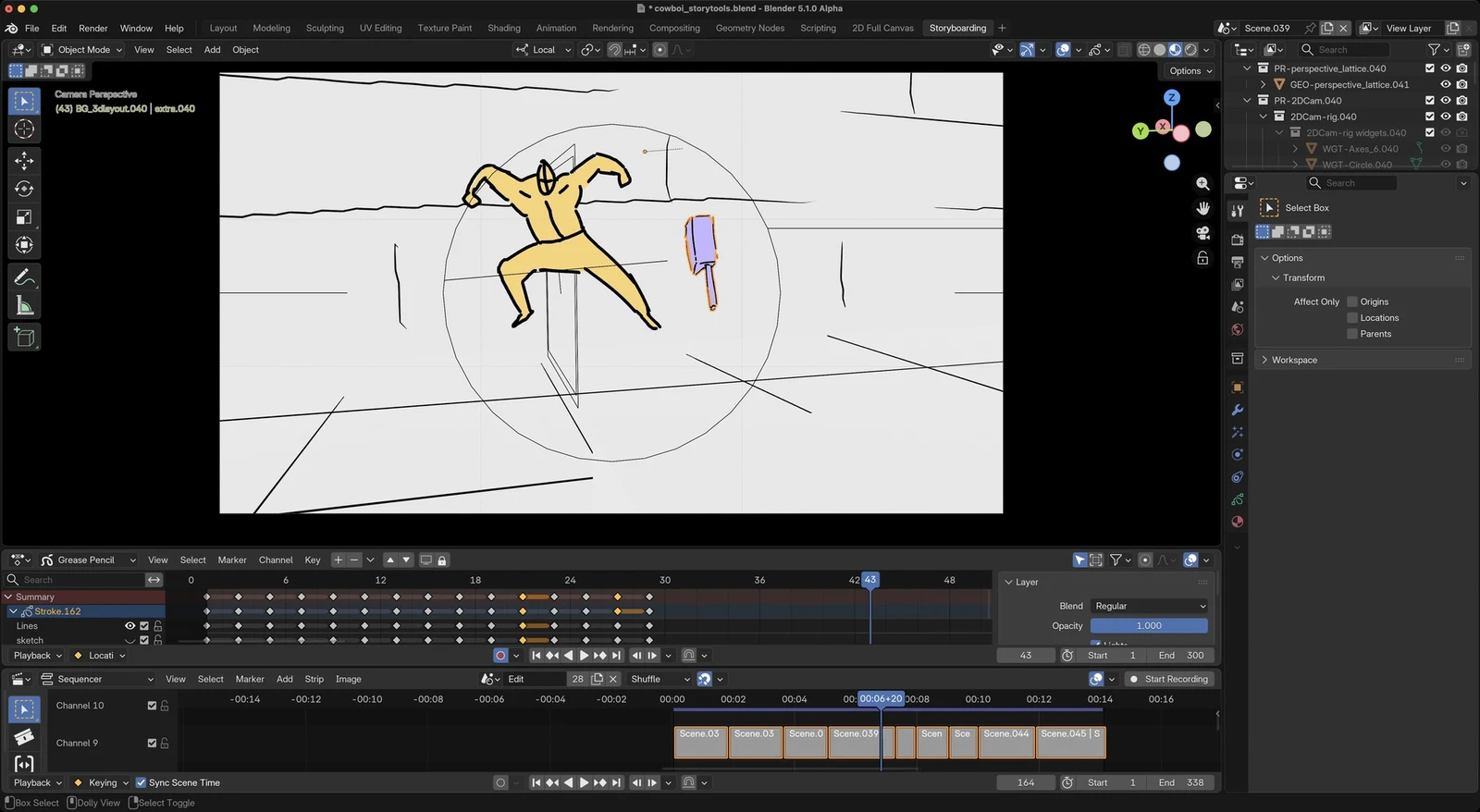
Image credit
Storyboards for Cowboi
Pablo Fournier / Blender Studio · CC BY 4.0Resized and encoded as WebP; no semantic alteration.
Pablo Fournier / Blender Studio. A real storyboard and sequencing workspace, not an invented software interface.
Two Cameras for a More Two-Dimensional Image
The other particularly interesting device is a production camera rig with separate cameras for foreground and background. Blender Studio describes shifting the view between them to emulate the way traditional anime scans across a flat drawing.
That is a different goal from making every layer obey one physically plausible lens. An animated composition can benefit from treating its foreground and background differently when that preserves the intended graphic relationship. The rig gives the studio a controlled way to pursue that look inside a 3D workflow.
It also creates coordination work. The foreground still has to read against the background, cuts must remain intelligible, and a camera trick has to survive animation rather than work in one attractive still. The published storyboards are a reminder that the film's sequence of images comes before judging the success of any single production feature.
This is not a ready-made camera tutorial. The announcement explains the production approach without providing every setup detail, and the finished rig and its use may evolve as the short develops.
Cowboi development test shot
The original studio-published development clip, reproduced without editing. This is a work-in-progress test shot, not a finished film or release trailer.
Blender Studio / Pablo Fournier and the Cowboi team · CC BY 4.0
An Open Movie Is Also a Working Test Bed
The broader value of Blender Studio's model is that artists use tools under the pressure of making a film. A feature must work across shots, handoffs and revisions, not only in its developer's preferred demonstration. Cowboi links that process to line attachment, material lighting and deliberately nonliteral camera work.
The small test-shot video included here is development material, not a trailer for a completed release. The same distinction applies to the artwork. It is interesting precisely because it shows decisions being worked through, before the production settles into its final form.
For people making creative tools, that is worth following. The most useful software improvement may start with an artist saying that a technically correct result does not look right. Which part would you like us to follow more closely: the line work, the lighting or the camera setup? Leave your questions in the comments below.
Keep exploring
Jan Delgado's complete JLed guide and selected original example chapters, with wiring diagrams, timing plots, and the full LED demonstration animation.
Image credit
doc/jled-wasm.png
Jan Delgado; graphics created with Fritzing · MIT + Fritzing CC BY-SA 3.0Resized without cropping and converted to WebP for the project card.
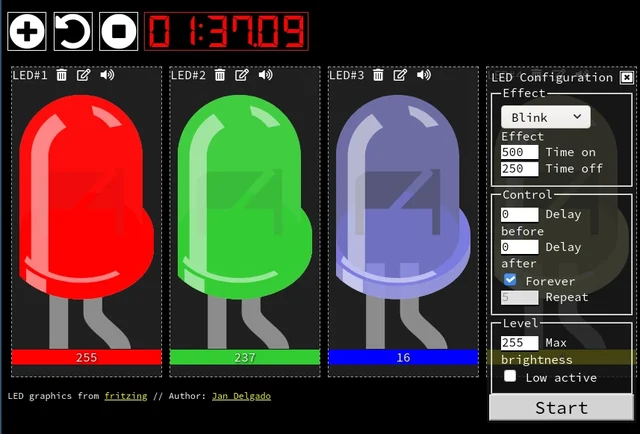
A responsive fade is a timing problem, not a processor contest. JLed and Arduino examples show how to animate light while the rest of a small interface keeps working.
Image credit
doc/jled-wasm.png
Jan Delgado; graphics created with Fritzing · MIT + Fritzing CC BY-SA 3.0Resized without cropping and converted to a WebP reading preview. Full-resolution original remains available.
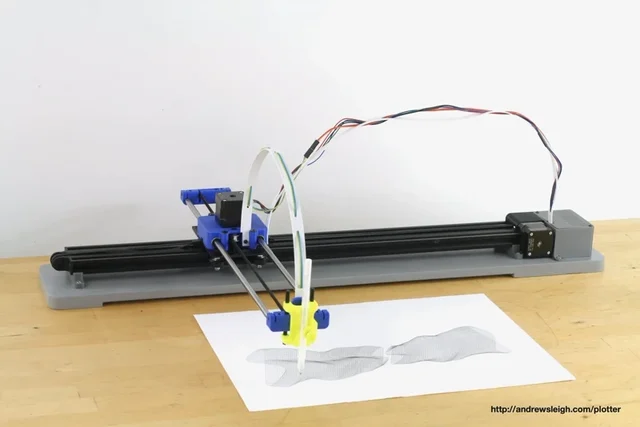
Andrew Sleigh's complete plotter writeup, with three design generations, original machine photos, parts lists and the SVG-to-G-code workflow.
Image credit
photos/v3/IMG_6608.jpg
Andrew Sleigh · MITResized without cropping and converted to WebP for the project card.
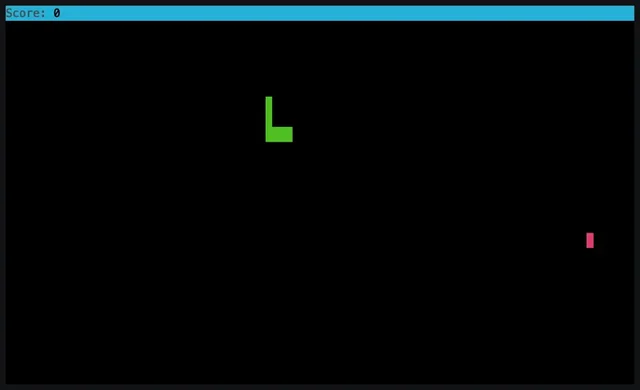
Tania Rascia's Node.js Snake project, with the complete MIT-licensed README, original gameplay animation, controls, installation options, and module example.
Comments
Member comments are temporarily unavailable.
Log in to join the discussion.