
A breadboard counter that counts one press once
- Difficulty (editorial)
- Beginner
- Documentation
- Experiment
- Hardware
- No microcontroller
A documented low-voltage circuit and basic breadboard connections.
A small logic exercise built around the least glamorous requirement: a pushbutton must not count as five presses.
One press. One count. That is the brief.
Not one count while the button is held down. Not five counts because the contacts bounced. Not an extra count when the button was released. It sounds like a small distinction until the display starts inventing numbers.
A mechanical switch can make several electrical transitions as its contacts settle. A counter sees transitions, not your intention. The project is therefore two problems: decide when a press has happened, then count that event exactly once.
Establish a known input
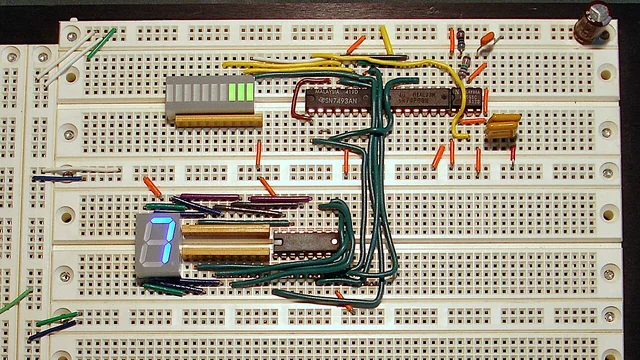
Choose a documented low-voltage counter design. Check the actual component data sheets for supply voltage, input thresholds, decoupling, and reset behavior. The breadboard photograph is a reference arrangement, not a substitute for a wiring diagram.
Before connecting the switch, give the counter a known clean input. Confirm the display advances correctly and reset produces a repeatable starting state. Label the supply rails. A red jumper is not a specification.
Then connect the button with a deliberate pull-up or pull-down arrangement appropriate to the circuit. An unconnected input is not a reliable zero. Keep leads short while troubleshooting; add the long panel wiring only after the bench version behaves.
Separate a state from an event
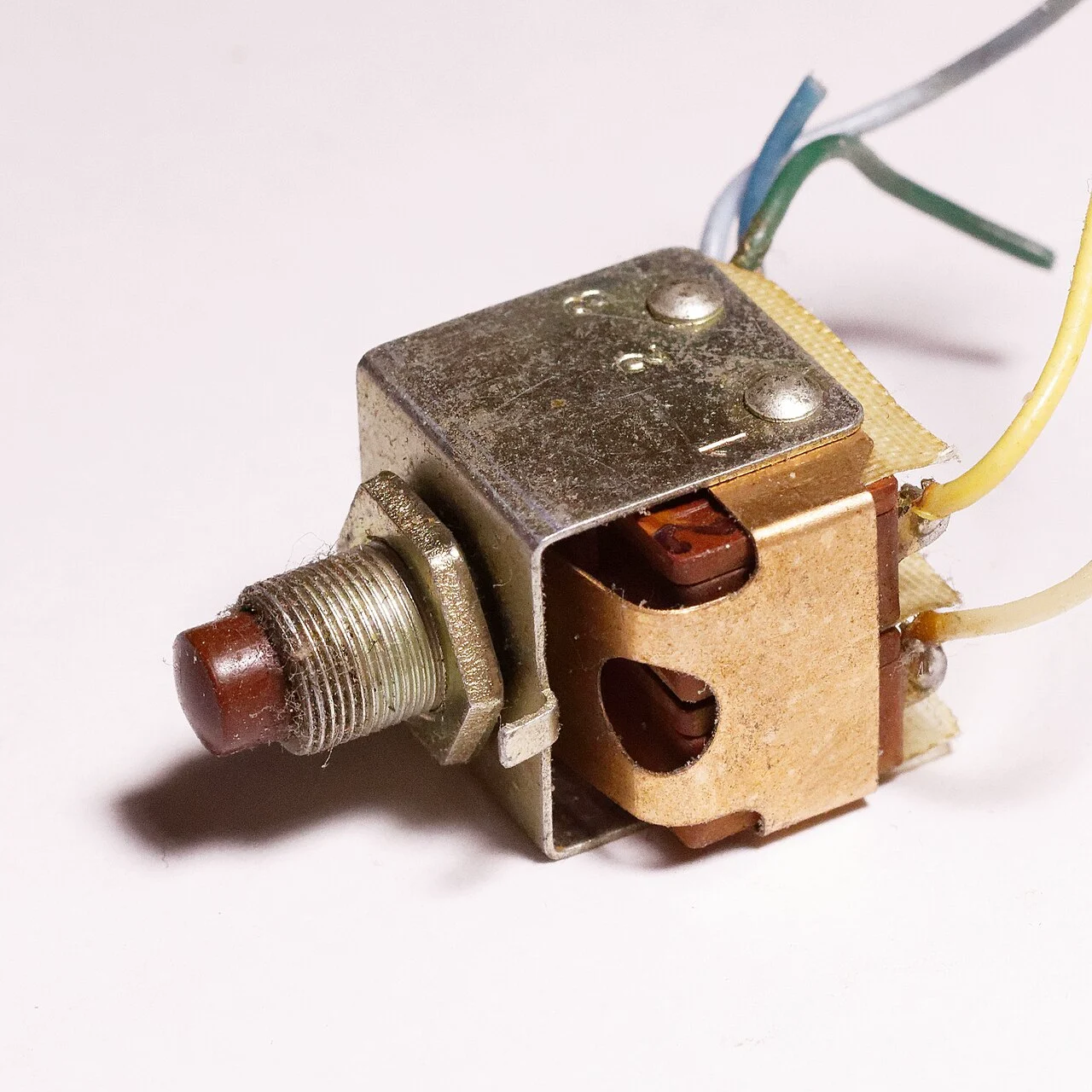
The button can remain pressed for seconds. The event you want to count happens only when the accepted state changes from released to pressed. Counting on every loop while the input is active is a different feature.
For a microcontroller version, Arduino's debounce example is a useful starting point. It checks whether a changed reading has remained stable for a chosen interval. Its timing value is an example, not a universal property of all switches. Test the switch and the response time your application actually needs.
For a logic-only version, use a documented debounce circuit suited to the counter input. Do not assume a capacitor placed anywhere near the switch produces a clean digital edge. The input characteristics still matter.
The acceptance test
Run these separately, resetting between them:
- Ten ordinary presses: ten counts.
- One long hold: one count.
- A slow release: no additional count if the design counts presses only.
- Several quick presses: one count for each accepted press, within the specified response limit.
- Power-up with the button released: a known state, not a surprise count.
- Reset while pressed: behavior that you have deliberately defined.
Write the expected result before testing. Otherwise it is remarkably easy to decide that the behavior you got was the behavior you wanted.
If the result is wrong, inspect the input and the counting logic independently. A display fault, a bouncing contact, and a floating input can look annoyingly similar from the other side of the desk. Fix one layer at a time.
The enclosure can wait. A beautifully mounted button that counts twice is still a button that counts twice.
Materials
- Breadboard and documented low-voltage counter circuit
- Momentary button and appropriate input resistor
- LEDs with current-limiting resistors
- Current-limited supply
Build Steps
- 1
Prove the counter
Feed a known clean input before adding a mechanical button.
- 2
Debounce the input
Compare the raw switch state with accepted presses.
- 3
Test the awkward presses
Try holds and slow releases, then verify reset behavior.
Keep exploring
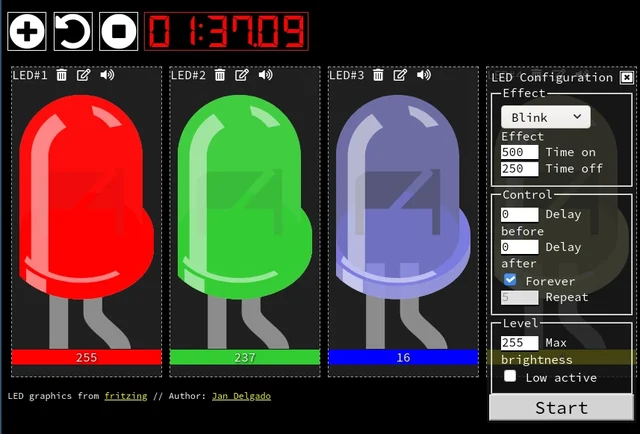
A responsive fade is a timing problem, not a processor contest. JLed and Arduino examples show how to animate light while the rest of a small interface keeps working.
Image credit
doc/jled-wasm.png
Jan Delgado; graphics created with Fritzing · MIT + Fritzing CC BY-SA 3.0Resized without cropping and converted to a WebP reading preview. Full-resolution original remains available.
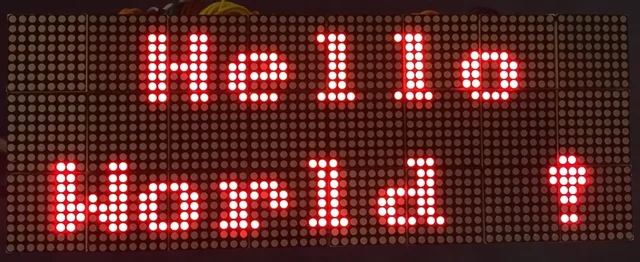
A full illustrated MAX7219 display guide: matrix wiring, power, chained modules, static graphics, and scrolling text, with the original diagrams and project photographs.
Image credit
doc/img/dispStatic.jpg
Maciej Miklas · Apache-2.0Resized without cropping and converted to WebP for the project card.
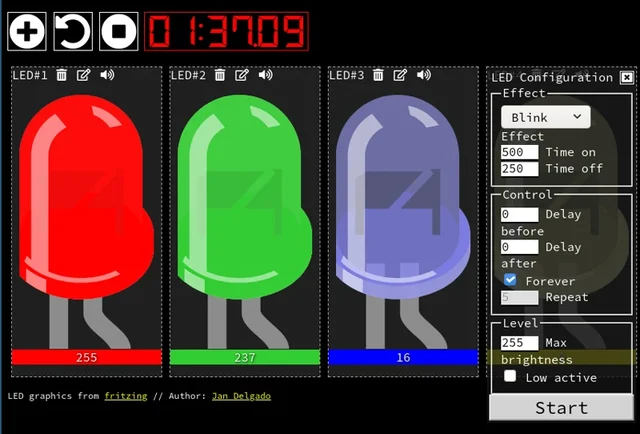
Jan Delgado's complete JLed guide and selected original example chapters, with wiring diagrams, timing plots, and the full LED demonstration animation.
Image credit
doc/jled-wasm.png
Jan Delgado; graphics created with Fritzing · MIT + Fritzing CC BY-SA 3.0Resized without cropping and converted to WebP for the project card.
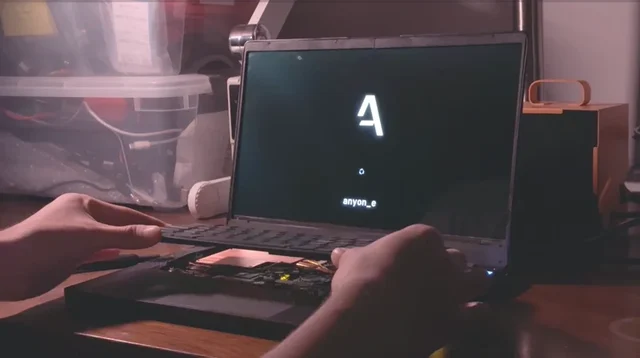
The original anyon_e creation story: a removable mechanical keyboard, custom electronics, a 4K OLED display, power-system work, Linux bring-up, and a machined chassis.