
Jet Studio Gives Tiny Game Hardware a Godot-Style Editor
Published November 3, 2026
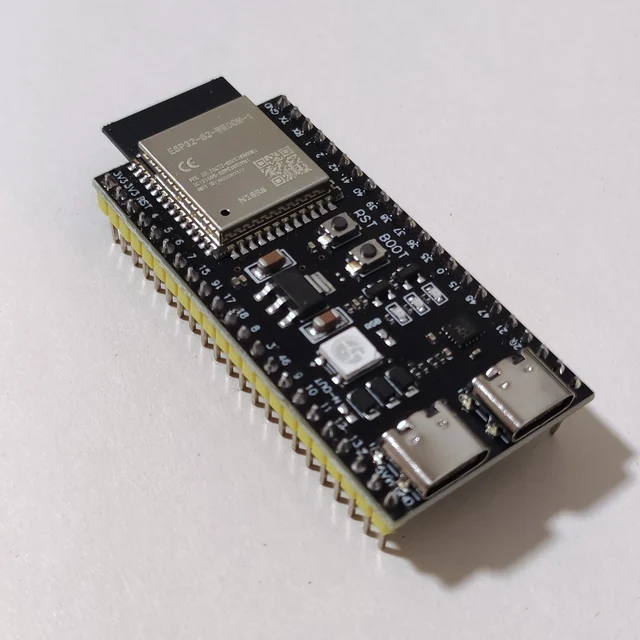
ESP32-S3 reference board, not a Nano ESP32 or a Jet Studio hardware test. Photo: VectorVoyager, CC BY-SA 4.0; resized as WebP.
Image credit
ESP32-S3 development board reference photograph
VectorVoyager · CC BY-SA 4.0Resized and encoded as WebP; no semantic alteration.
Jet Studio pairs visual scene authoring with a small runtime for ESP32-S3 and STM32 boards. Its prototype is promising, but device tests need careful reading.
Making a tiny game console is one project. Making tools that let you build its games without rewriting every scene in low-level firmware is another.
Jet Studio, by developer fedyfausto, tackles the second problem. Its November 2 prototype 0.7.0 combines a Godot-built desktop interface with a separate C++ game runtime, the Jet renderer and a scripting language called JetScript. The target includes small ESP32-S3 and STM32 boards.
The distinction is important: this is not the full Godot engine squeezed unchanged into a microcontroller. Godot provides the authoring interface. The smaller runtime is what follows the game onto the embedded hardware.
One Runtime, Several Places to Run It
The pinned project documentation describes the same runtime operating inside the editor, in an SDL2 desktop player and in the board firmware. That is a useful design choice: the editor's game view is not simply a separate, more capable renderer pretending to be the final device.
Scenes contain nodes, properties, assets and connections. JetScript uses familiar GDScript-style syntax, but the language and supported runtime are their own system. A similar-looking editor does not make an arbitrary Godot project compatible. Existing scripts, engine extensions and assets still need to fit what Jet Studio actually implements.
The examples make its ambition concrete. Jet Blaster is a side-scrolling shooter; JetRun uses a receding road, curves and sprite-based traffic; other scenes explore physics and textured geometry. These are examples to inspect, not evidence that every game genre will fit the same boards.
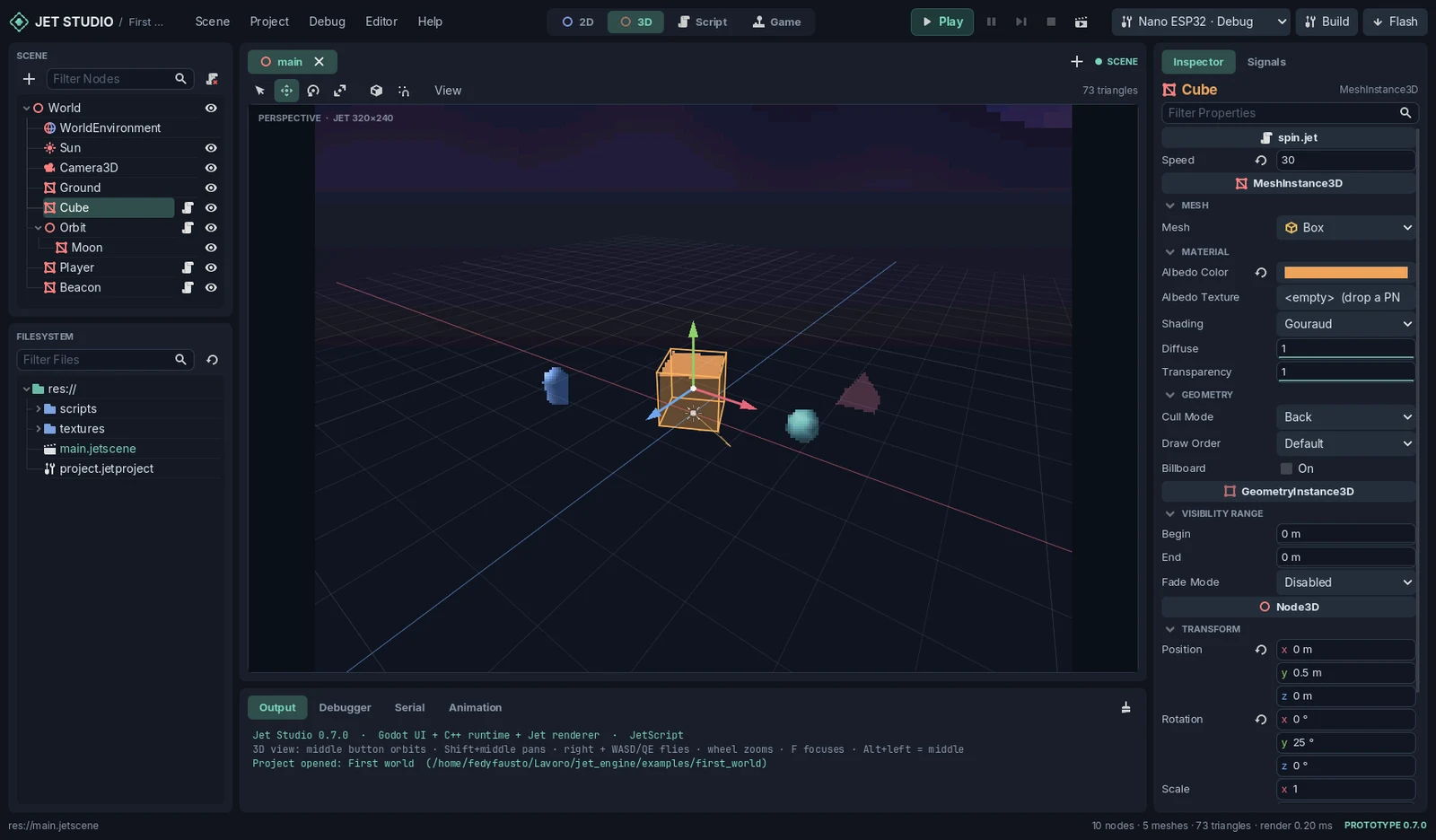
Image credit
Jet Studio prototype 0.7.0 original editor screenshot
fedyfausto; Godot contributors (UI icons) · MITResized and encoded as WebP; no semantic alteration.
Creator-published editor screenshot, not a device photograph. fedyfausto and Godot UI contributors; complete MIT notices. Resized as WebP.
Choose the Board and Display Together
The hardware catalog lists Arduino Nano ESP32 and several ESP32-S3 development-board configurations, plus STM32 targets including the Nucleo-F746ZG. The underlying chip name is not a complete compatibility check. Available memory, flash, display controller, wiring and the selected build configuration all matter.
Jet Studio exposes board, display and input choices in project settings. Its documentation also distinguishes configurations that compile from combinations tested on hardware. That is a better starting point than assuming that two boards with a related processor will behave identically.
The editor tries to make resource limits visible early. It warns about expensive geometry and large textures, and its board-build checks can stop an oversized package with suggestions about which textures to reduce. Those checks cannot guarantee a good frame rate, but they make a concrete hardware budget part of authoring rather than a surprise at the end.
Read the Small Print on Frame Rates
The project reports about 62 frames per second for its shooter on the Nano and 83 on the Nucleo-F746ZG. Those are developer-reported measurements for that example, not independent Meteor Makers benchmarks or universal performance ratings.
There is another qualification in the 0.7.0 documentation: the neon_car test's measurements were taken without a display connected, leaving its real-panel image and physical buttons to be checked. A completed render-loop timing is not automatically a verified end-to-end handheld experience. Different examples also have different measurement conditions; one number should not silently certify all of them.
That warning is a reason to read the repository, not a reason to dismiss it. The prototype exposes enough of its architecture and limitations for another builder to judge what needs testing.
A Practical Starting Point
For a first experiment, keep the evaluation small:
- Match the exact board, memory configuration and display to the documentation.
- Start with one included example before importing a larger scene.
- Check physical controls, panel output and remaining memory, not just a render-loop counter.
That is a proposed evaluation path, not a claim that we performed it.
The MIT license and third-party notices make the code inspectable and reusable under their respective terms. They do not clear arbitrary imported game artwork. The README specifically excludes an unlicensed demonstration car model from the repository, a useful reminder to audit assets separately from an engine's license.
The interesting result is the workflow: small hardware does not have to mean giving up visual scene authoring. It does mean keeping the editor's promises tied to a much smaller runtime and a real device budget.
What would you build on a tiny game board? Tell us in the comments below.
Keep exploring
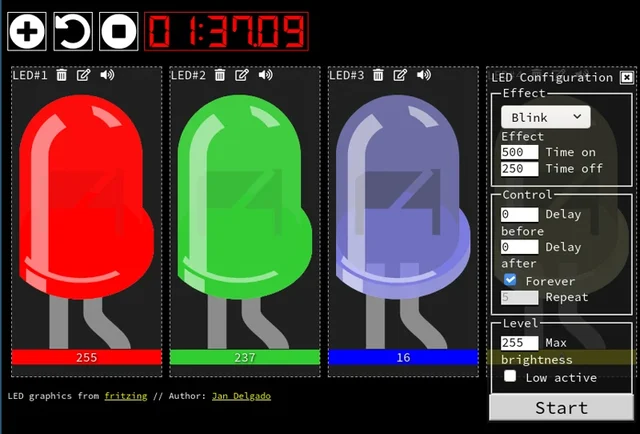
Jan Delgado's complete JLed guide and selected original example chapters, with wiring diagrams, timing plots, and the full LED demonstration animation.
Image credit
doc/jled-wasm.png
Jan Delgado; graphics created with Fritzing · MIT + Fritzing CC BY-SA 3.0Resized without cropping and converted to WebP for the project card.
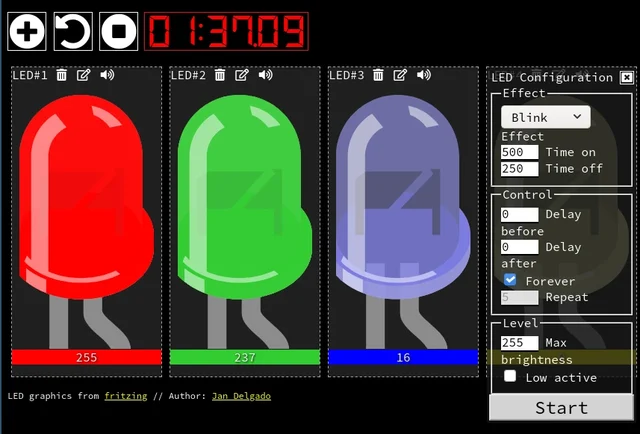
A responsive fade is a timing problem, not a processor contest. JLed and Arduino examples show how to animate light while the rest of a small interface keeps working.
Image credit
doc/jled-wasm.png
Jan Delgado; graphics created with Fritzing · MIT + Fritzing CC BY-SA 3.0Resized without cropping and converted to a WebP reading preview. Full-resolution original remains available.
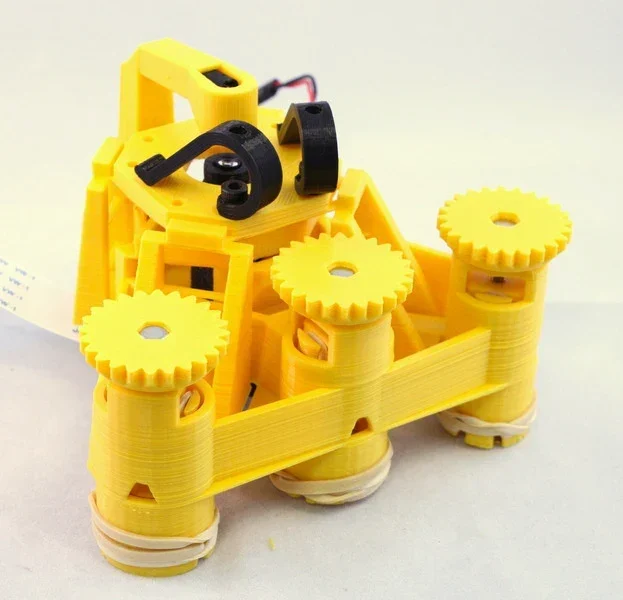
Richard Bowman and contributors' full microscope build instructions: printing, flexure actuators, two optical configurations, illumination, wiring, and motorization.
Image credit
docs/images/microscope_complete_1.jpg
Richard Bowman and OpenFlexure contributors · CERN-OHL-1.2Resized without cropping and converted to WebP for the project card.
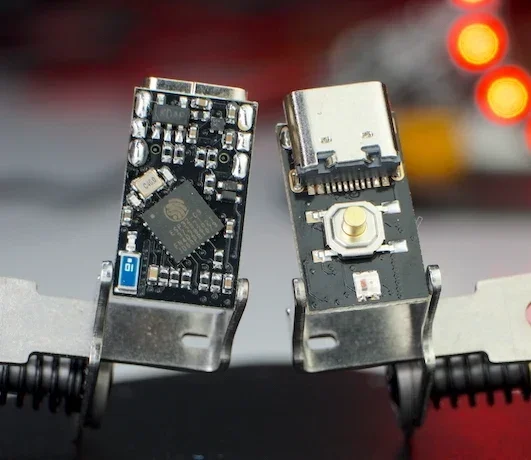
The creator's complete writeup covers latching power, GPIOs, battery connections, flashing, measured current traces and original hardware photos.
Image credit
docs/pc3t_tn_2.JPG
makermoekoe · MITResized without cropping and converted to WebP for the project card.
Comments
Member comments are temporarily unavailable.
Log in to join the discussion.