
- Difficulty (editorial)
- Intermediate
- Documentation
- Experiment
- Hardware
- Audio electronics
A documented protected piezo circuit and a suitable high-impedance input.
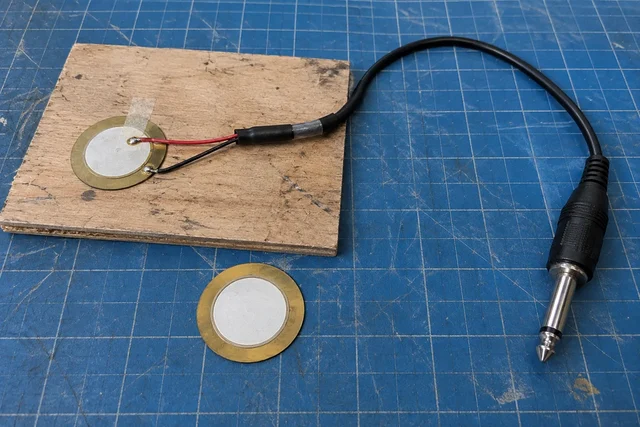
A piezo pickup experiment comparing temporary mounts before committing to an enclosure or gluing anything permanently.
A contact mic hears through the thing it touches. Before arguing about the pickup, try moving the tape.
A piezo disc attached to wood behaves differently from the same disc loosely touching it. The mount, the surface, and the cable all become part of the listening arrangement. That is what makes these little pickups fun, and what makes casual comparisons slippery.
Use a documented protected input circuit and a suitable high-impedance audio input. A bare piezo disc is not a universal plug-in microphone. Check compatibility with the recorder or interface before connecting it, start with conservative monitoring levels, and keep loud test taps out of headphones.
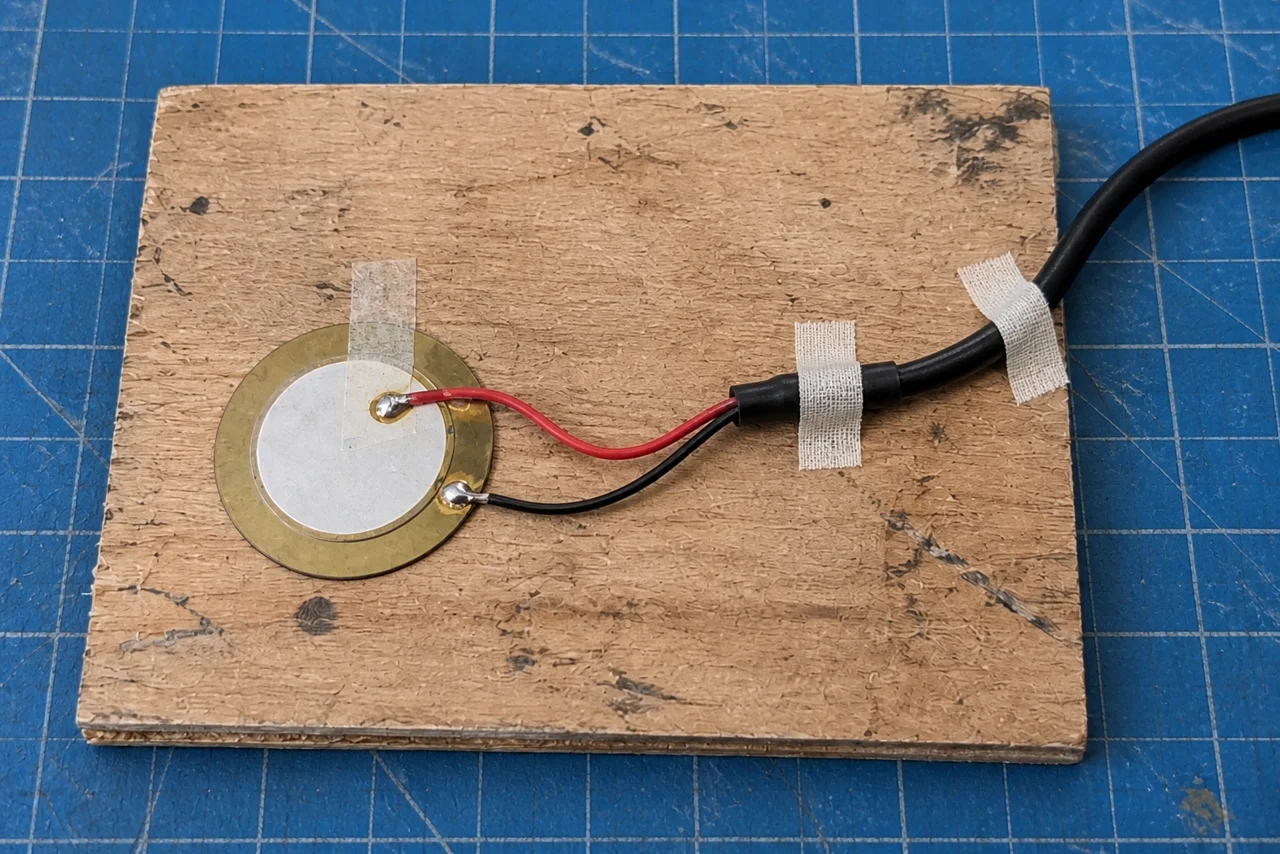
Three mounts, one surface
Choose a scrap surface and mark one pickup position and one tapping point. Try three reversible mounting arrangements that do not damage the disc or surface: for example, a light tape restraint, a firmer tape restraint, and a suitable removable mounting material. Avoid adhesives that attack the materials or leave the thin ceramic under stress.
Keep the gain, cable route, pickup position, and tapping point fixed. A hand tap will never be a perfect repeatable excitation, so make several gentle taps and keep that limitation in the comparison. Do not turn one unusually hard hit into a verdict on the mount.
Save short, unprocessed recordings. Name them for the setup, not for the sound you hoped to get. "Mount B, second take" is more useful than "good one final final."
Listen first for a broad difference: more low resonance, a sharper attack, a rattle, a longer decay. These are listening notes, not calibrated frequency-response measurements. They can still tell you which mechanical change is worth exploring.
Now stop tapping the surface and move the cable gently. This is the unglamorous recording. If it produces the loudest noises, give the cable strain relief before making aesthetic decisions about the pickup. Support the cable separately so its weight is not hanging from the solder joints.
Finally, remove and replace the preferred mount. Does it return to something recognizably similar? A sound that depends on a barely attached corner may be interesting, but it is not yet a dependable mounting method.
Keep the recordings that do not flatter the setup. Equalization can wait. A mechanical rattle is much easier to understand while it is still allowed to be a rattle.
Materials
- Piezo disc and documented protected pickup circuit
- Suitable high-impedance audio input
- Reversible mounting materials
- Cable strain relief and scrap test surface
Build Steps
- 1
Build the documented input stage
Check protection and compatibility before connecting audio equipment.
- 2
Record fixed-position taps
Keep surface, tap point, and gain unchanged.
- 3
Check cable noise
Add strain relief before choosing a permanent mount.
Keep exploring
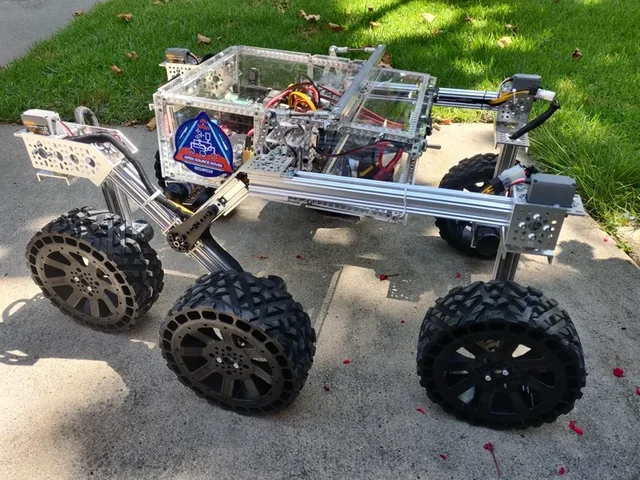
Choose a LEGO microscope, ESP32 oscilloscope, laboratory syringe pump, haptic dial, DIY e-reader, synthesizer, or JPL rover using complete credited source documentation.
Image credit
images/osr-side-outside.jpg
JPL / California Institute of Technology and Open Source Rover contributors · Apache-2.0Resized without cropping and converted to WebP for the project card.
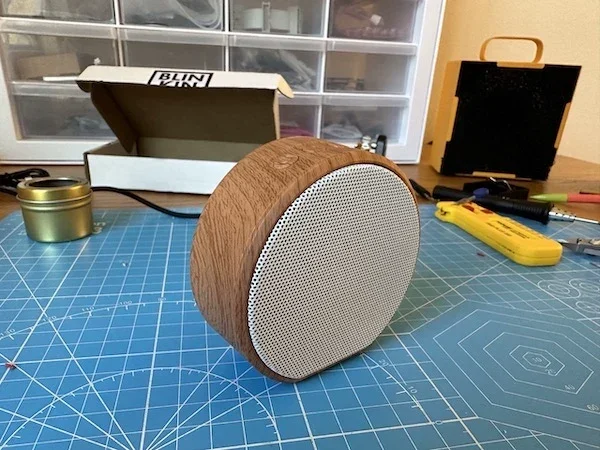
Brian Whitman's distributed synth, with the full README, speaker-shell assembly photographs, ESP32 flashing guide, Python tutorial, and original wiring and sound-programming examples.
Image credit
pics/speaker_assembly/11.jpeg
Brian Whitman, Shore Pine and contributors · MITResized without cropping and converted to WebP for the project card.
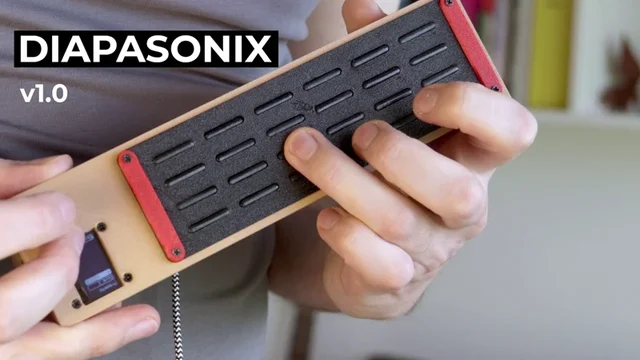
Turi Scandurra's complete instrument README, with the original playing photograph, schematic, parts list, compilation instructions, controls, effects, and honest prototype limitations.
Image credit
hardware/diapasonix.jpg
Turi Scandurra · MITResized without cropping and converted to WebP for the project card.
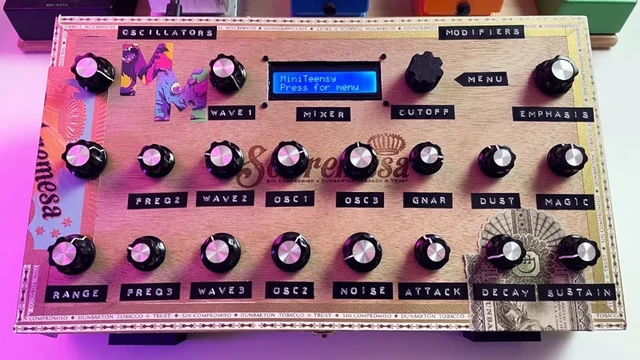
Nick Culbertson's full MiniTeensy README, original finished-instrument photograph, minimal and twenty-encoder wiring layouts, USB audio/MIDI setup, and testing sequence.
Image credit
MiniTeensyImage1.jpg
Nick Culbertson · MITResized without cropping and converted to WebP for the project card.