
An e-paper noticeboard that admits when it is out of date
- Difficulty (editorial)
- Intermediate
- Documentation
- Experiment
- Hardware
- Raspberry Pi
Raspberry Pi setup and the display manufacturer's supported driver.
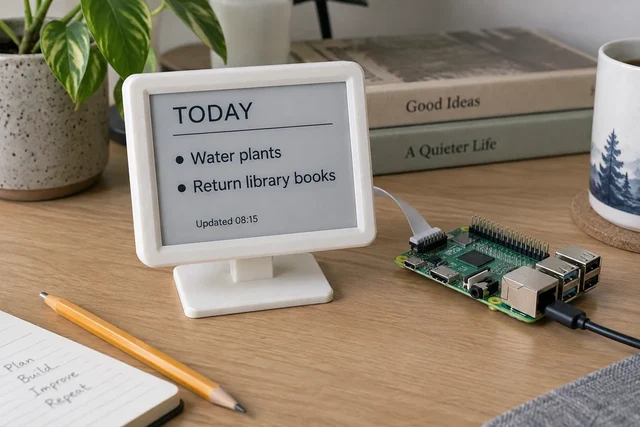
A Pi Zero noticeboard concept with a local message file, a visible update time, and a useful offline state.
The annoying thing about an e-paper noticeboard is that it can look perfectly healthy after it has stopped updating. Yesterday's errands get excellent uptime.
A blank display announces that something is wrong. A crisp list of outdated information does not. That makes the timestamp more important than the weather icon, the calendar integration, or the handsome case. The first version of this noticeboard has a deliberately modest job: show a short local message and make its age understandable.
Start without the internet
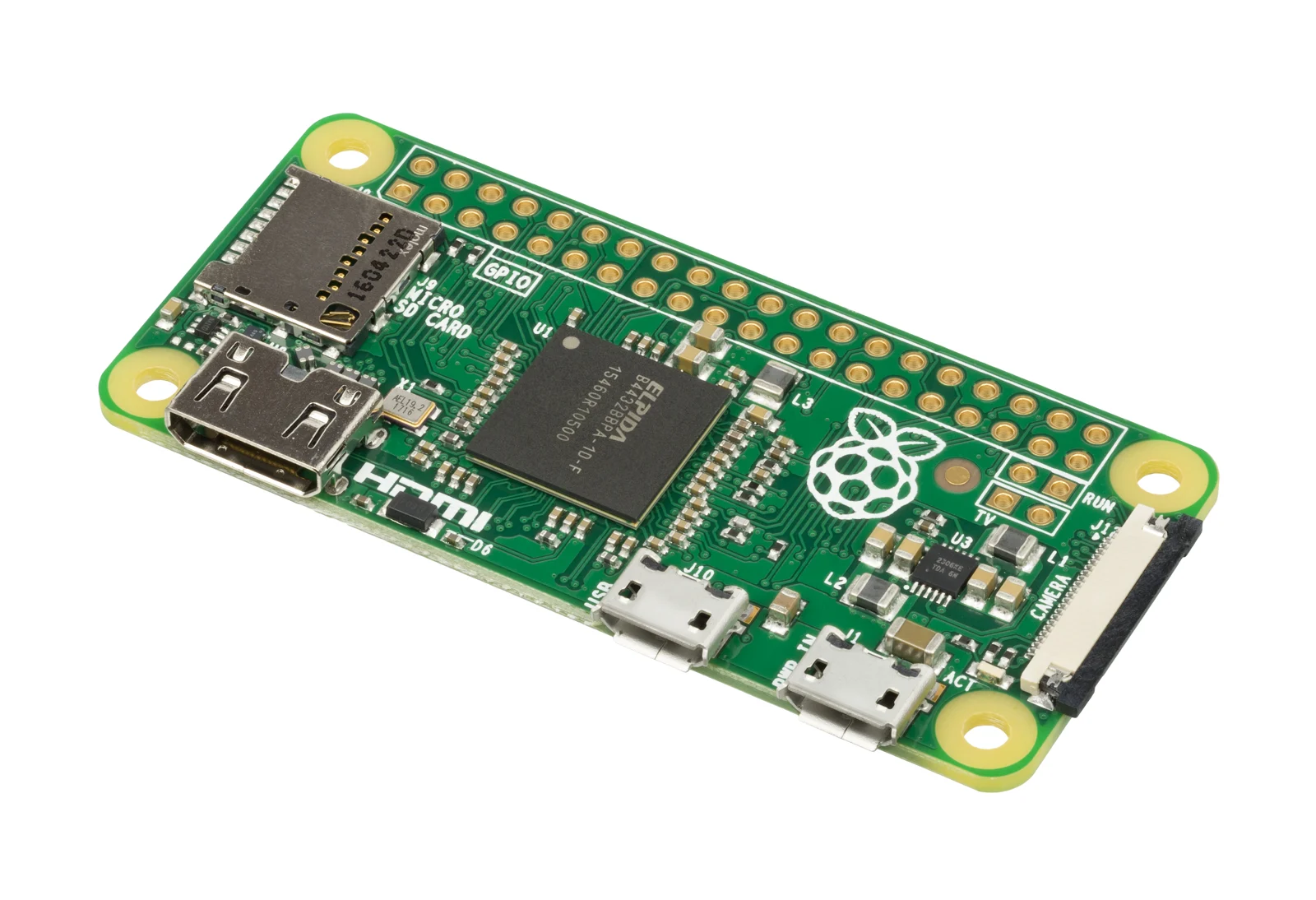
Choose a supported small computer, a compatible display module, and the manufacturer's maintained driver. A Pi Zero is a sensible family to investigate, but board and display revisions matter. Check interface, voltage, connector orientation, and power requirements for the parts in front of you. Do not infer compatibility from two similar product photographs.
Begin with a local text file. Three reminders are enough. If the display cannot render that file reliably, an online calendar will merely make the failure more interesting.
Keep the layout fixed: a short title, a few lines, and the time of the last successful refresh. Design for the longest plausible line, not the most flattering example. A task that wraps should take another line; it should not shrink the entire noticeboard into unreadable type. Reserve space for the timestamp so a long reminder cannot push it off the bottom.
The manufacturer matters here. E-paper modules have different refresh modes and operating requirements. Waveshare's display documentation separates its models for good reason. Follow the selected module's full-refresh, partial-refresh, and sleep guidance rather than borrowing timing from an unrelated panel.
Keep two times, even if you show only one
The time data was fetched and the time a screen was updated are not necessarily the same. A network request can succeed while the display update fails. The screen can also refresh successfully using cached information.
Internally, keep those events separate:
source_fetched_at
content_validated_at
display_updated_at
source_status
That is a proposed log format, not a transcript from a tested build. Its point is to prevent one cheerful "updated" message from covering four different outcomes.
For an entirely local noticeboard, the source time can be the file's recorded revision or an explicit edit time. Once a remote source is added, record when it was fetched and whether the fetch produced valid content. A successful HTTP response containing an error page is not a successful calendar update.
The public timestamp should mean something precise. "Screen updated" is a different promise from "Calendar checked." Pick the promise the software can actually keep.
Preserve the last good message
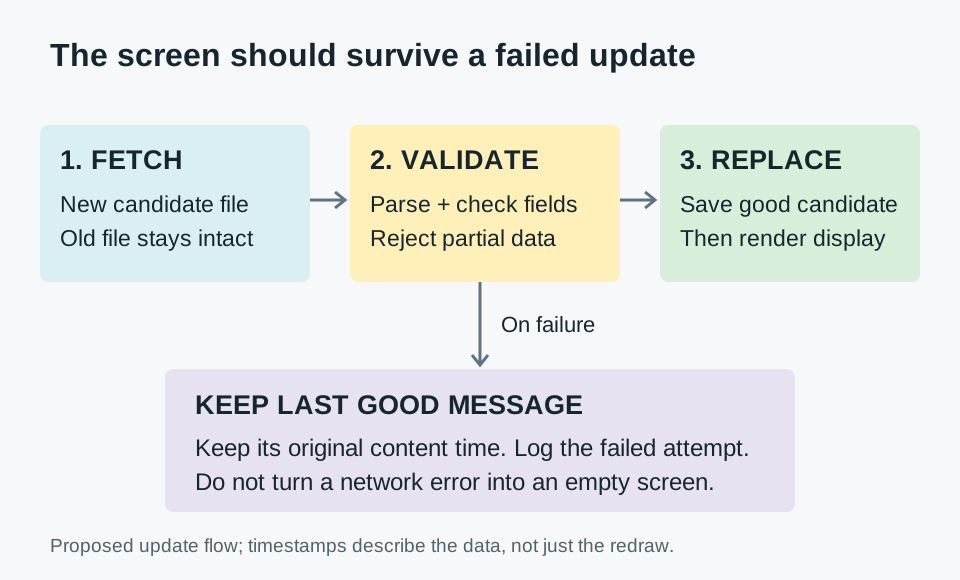
Treat an update as a small transaction. Read the candidate content, validate it, render the complete new image, then ask the display to update. Do not erase the known-good source file before the replacement has been checked.
A temporary file followed by a rename is a useful pattern for replacing local content on a filesystem where that operation provides the guarantees you need. It does not solve every failure. A renderer can still fail, and a device can lose power during a refresh. The log must distinguish preparing an image from displaying it.
Keep the last successfully rendered image and the source that produced it. On restart, the software should be able to identify both. Avoid endlessly retrying an invalid message: save the error, keep the readable content, and wait for a corrected input or a deliberate retry.
This is where a little restraint helps. The noticeboard does not need to respond to every keystroke. A refresh policy should respect the panel's requirements and the actual urgency of the information. Errands rarely need second-by-second updates.
Break the easy assumptions
Now test the things that a tidy demonstration leaves out.
An empty file. Decide whether this means "nothing to display" or "bad input." Both interpretations can be reasonable. Silently reusing yesterday's list while labeling it new is not.
A line that will not fit. Use a long place name or a reminder with several clauses. Check the rendered image before sending it to the panel. A clipped deadline is worse than a less elegant layout.
A missing network. The last good message should remain understandable. The log should record the failed fetch without treating the old source as fresh.
A wrong clock. A computer without a reliable current time can produce a very confident but useless timestamp. Decide how the display behaves before clock synchronization has succeeded. For a reminder board, an explicit unknown time can be better than a false one.
A restart during refresh. Follow the module's recovery procedure. Test the software's accounting as well as the pixels: does it incorrectly claim that the interrupted image was fully displayed?
A source that returns to normal. Recovery is part of the feature. A board that notices an outage but never accepts another update has only completed half the job.
Record each case and its expected outcome. There is no need to pretend this makes the board suitable for critical information. It is for ordinary reminders, not medication instructions, emergency notices, or safety decisions.
The case comes after the awkward tests
An enclosure needs access to the power connector and storage card. Leave a route for removing the board without peeling the display away from its mounting. Avoid stressing the display's ribbon cable. Give the power cable strain relief, and keep ventilation consistent with the electronics' requirements.
A plain case that can be opened is a good first case. The second time the storage card needs attention, a removable back will be more useful than a perfect hidden seam.
Once the local version is dependable, add one external source. Not five. Keep its adapter separate from the renderer so replacing the service does not require redesigning the screen. A source should return a small, validated content object; the layout should not have to understand the remote service's entire response.
The finished idea is intentionally unambitious: a quiet display that tells the truth about what it knows. A noticeboard that admits it is out of date is more useful than one that looks current forever.
Materials
- Raspberry Pi Zero 2 W and suitable power supply
- Manufacturer-supported e-paper module
- microSD card
- Ventilated enclosure after bench testing
Build Steps
- 1
Render one local message
Use the module's documented driver and a fixed layout.
- 2
Preserve the last good update
Write new data atomically and retain a readable timestamp.
- 3
Exercise offline recovery
Verify network loss, restart, and interrupted updates.
Keep exploring
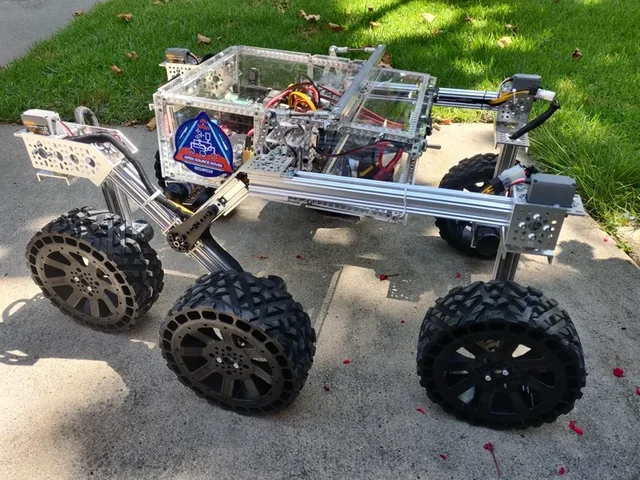
Choose a LEGO microscope, ESP32 oscilloscope, laboratory syringe pump, haptic dial, DIY e-reader, synthesizer, or JPL rover using complete credited source documentation.
Image credit
images/osr-side-outside.jpg
JPL / California Institute of Technology and Open Source Rover contributors · Apache-2.0Resized without cropping and converted to WebP for the project card.
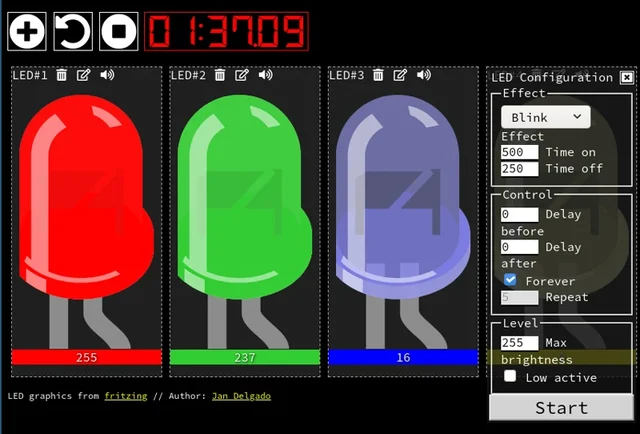
Jan Delgado's complete JLed guide and selected original example chapters, with wiring diagrams, timing plots, and the full LED demonstration animation.
Image credit
doc/jled-wasm.png
Jan Delgado; graphics created with Fritzing · MIT + Fritzing CC BY-SA 3.0Resized without cropping and converted to WebP for the project card.
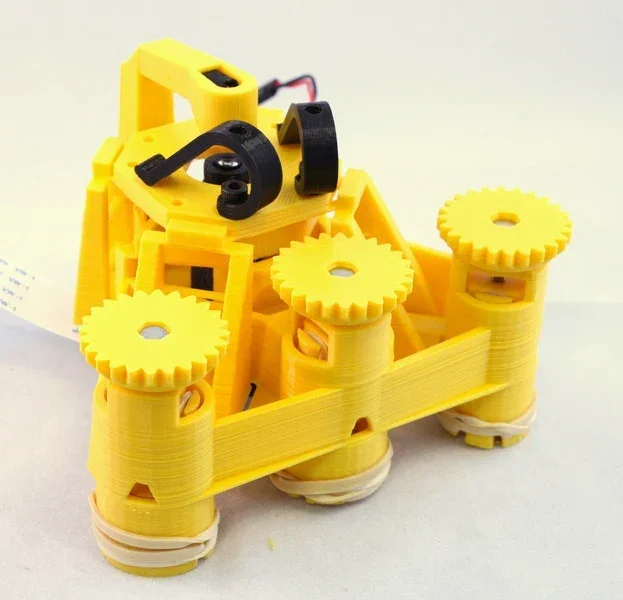
Richard Bowman and contributors' full microscope build instructions: printing, flexure actuators, two optical configurations, illumination, wiring, and motorization.
Image credit
docs/images/microscope_complete_1.jpg
Richard Bowman and OpenFlexure contributors · CERN-OHL-1.2Resized without cropping and converted to WebP for the project card.
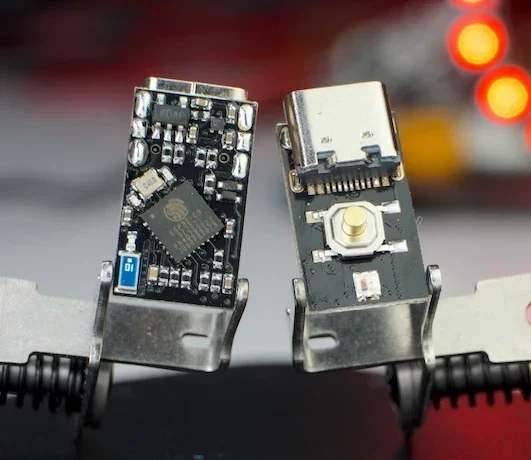
The creator's complete writeup covers latching power, GPIOs, battery connections, flashing, measured current traces and original hardware photos.
Image credit
docs/pc3t_tn_2.JPG
makermoekoe · MITResized without cropping and converted to WebP for the project card.