
- Difficulty (editorial)
- Beginner
- Documentation
- Experiment
- Hardware
- USB microscope
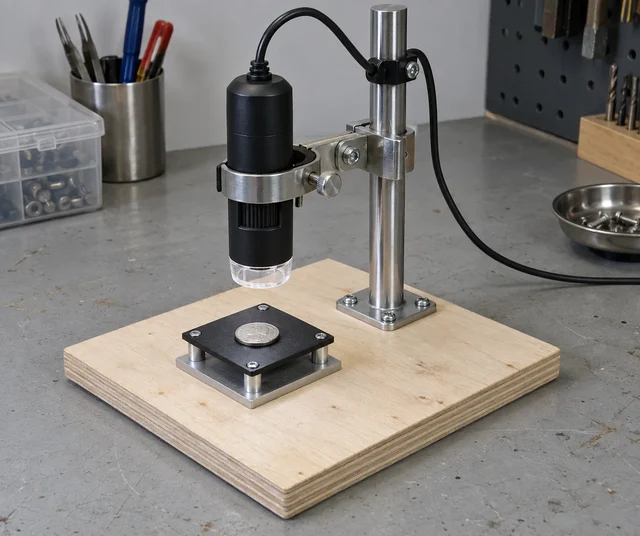
A stiff support, protected clamp, and repeatable lighting.
A simple fixture plan that separates focusing from the accidental movement of a lightweight microscope base.
Turning the focus ring should not move the whole instrument. Start there.
A small USB microscope can make an ordinary surface fascinating. Its supplied stand can also turn every adjustment into a search for the part of the surface that was visible a moment ago. Before replacing the camera, separate the optical question from the mechanical one.
This fixture uses a broad base, a short stiff support, a non-damaging clamp, and a removable sample platform. The objective is a repeatable view. It is not a claim that a stable image automatically provides calibrated measurement.
Follow the load path
The microscope's weight has to reach the base through the clamp and support. Each flexible joint adds another place for the view to shift. Keep the support short enough for the intended working distance, and avoid a long adjustable arm unless the task genuinely requires it.
Choose a base that remains stable when the controls are operated. Check the actual desk as well as the base: a rigid fixture on a springy surface can still move when someone leans against it.
The clamp should grip without crushing the housing, covering ventilation, or blocking focus and illumination controls. Use padding suitable for the housing material, and inspect whether it creeps under load. A soft pad can protect the camera while allowing slow movement that only becomes obvious at higher magnification.
Make adjustment accessible. If tightening one screw requires pushing against the camera, it will be difficult to retain the view while making the fixture secure.
Use a target that exposes motion
Put a coin, a printed grid, or another ordinary marked target on the platform. A grid is useful for noticing movement; a home-printed grid is not automatically a dimensional calibration standard.
Choose a recognizable point near the center of the image. Adjust focus while watching that point. Note whether it moves sideways, changes size, or simply becomes sharper. Those observations are not interchangeable.
Repeat the adjustment from both directions. If the view settles differently depending on which way the mechanism was last moved, inspect the mechanical arrangement before assuming the sample has changed.
Keep the illumination fixed during the first comparison. A reflection moving across a shiny target can make a stable view seem unstable. Start with a surface that is easy to see, not the most reflective object available.
Give the cable its own support
The USB cable can exert more force than expected on a lightweight instrument. Leave a relaxed loop at the microscope and secure the cable to the support so the connector is not carrying the weight of the remaining lead.
With the sample untouched, move the cable gently beyond that support point. Watch the image. If it shifts, investigate the cable route, clamp, and base in turn. Do not solve the problem by pulling the cable tighter against the connector.
Check the arrangement through the intended adjustment range. Strain relief that works at one height can become a tether at another. Keep the cable clear of moving parts and avoid sharp bends inconsistent with the cable's construction.
Make the sample platform replaceable
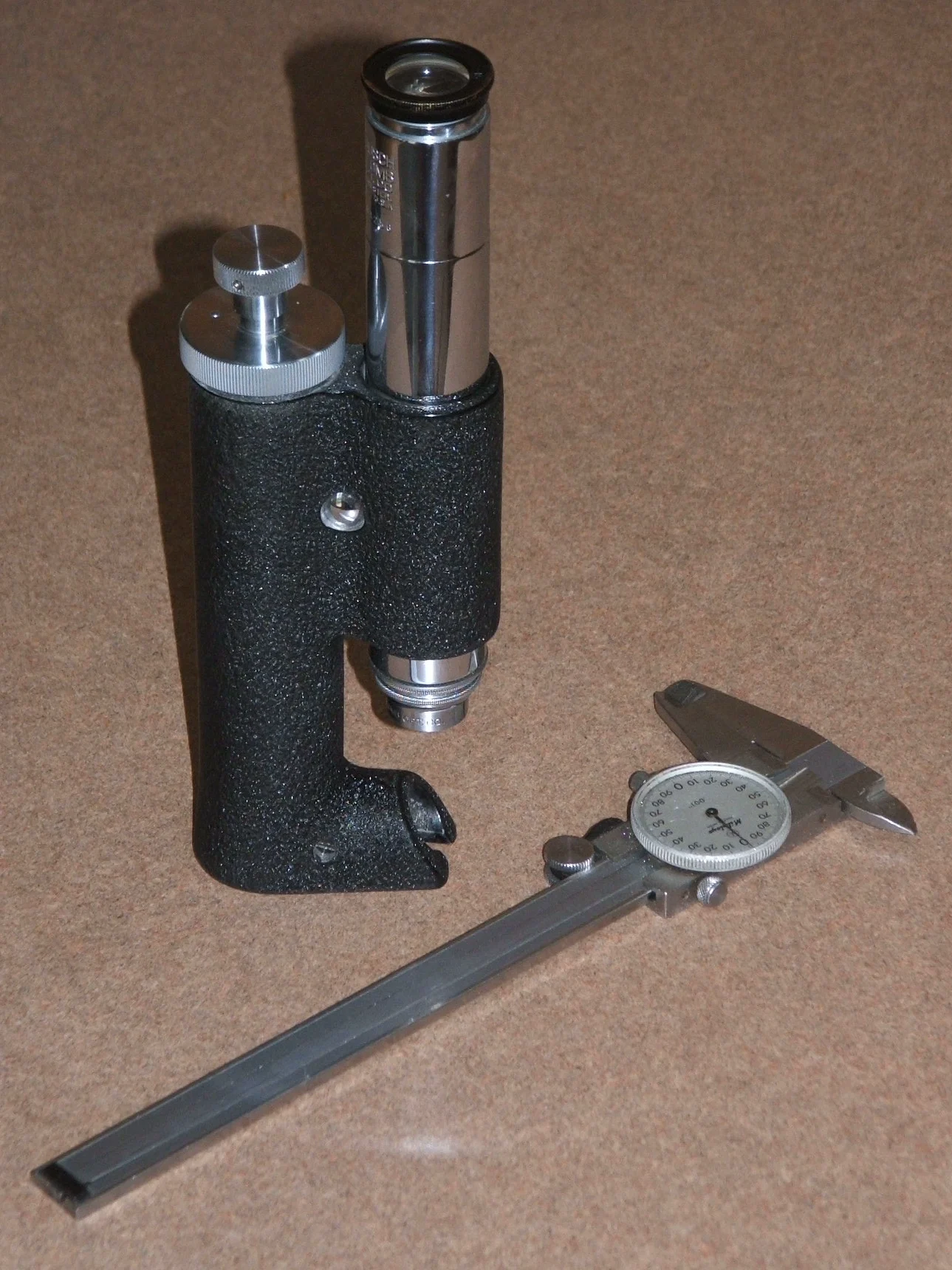
A removable platform is useful for cleaning and for returning a sample to approximately the same position. Simple locating edges can help, provided they do not interfere with the object or the microscope's working distance.
Separate sample movement from camera movement wherever practical. If the camera and platform both have several loose adjustments, it becomes difficult to identify which one caused a shift.
Try removing and replacing the platform with the same target in place. Record how much of the original view returns. This is a repeatability check, not a promise of precision. It tells you whether the fixture is suitable for revisiting a small region or only for general inspection.
For delicate samples, choose contact materials and handling methods appropriate to the object. Do not clamp a valued component simply because it fits between the jaws.
Do not confuse a steady picture with a measurement
The fixture can improve stability without establishing magnification, scale, distortion, or accuracy. A number printed on a microscope's packaging is not enough to convert image pixels into trustworthy dimensions.
If measurement becomes the goal, use suitable calibration references and a documented method for the optical arrangement. Changing working distance, resolution, or software settings may change the relationship between the image and the object. That is a separate investigation from the stand.
For the first version, define success mechanically: focus can be adjusted without losing the target, the cable can be moved normally without dragging the camera, and the sample platform can be handled without the whole base shifting.
Once those conditions hold, the inexpensive microscope may become a much nicer instrument to use. The most valuable improvement can be the one that makes nothing happen when the focus ring turns.
Materials
- USB microscope
- Broad stable base and stiff support
- Non-damaging adjustable clamp
- Removable sample platform
Build Steps
- 1
Stabilize the support
Use a broad base and keep the camera mount short.
- 2
Test focus and cable movement
Watch a marked target while adjusting each separately.
- 3
Control lighting
Keep illumination fixed during mechanical comparisons.
Keep exploring
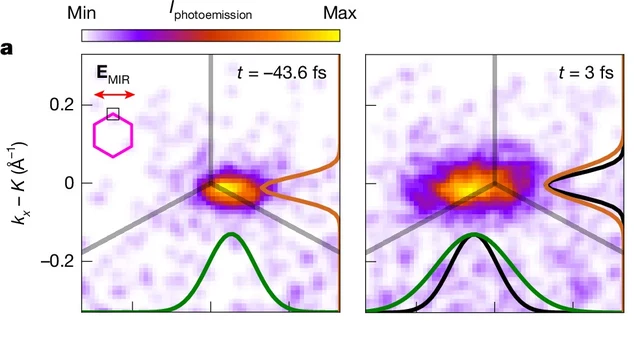
A Nature experiment maps light-driven electronic dynamics across graphene's momentum space. Sub-10-femtosecond frames and attosecond timing precision are different claims.
Image credit
Cropped measured momentum distributions from Figure 3a
V. Eggers et al. · CC BY 4.0Cropped to the two upper-left measured distributions in Figure 3a, retaining times, legend and axes; resized and encoded as WebP. Not a real-space photograph.
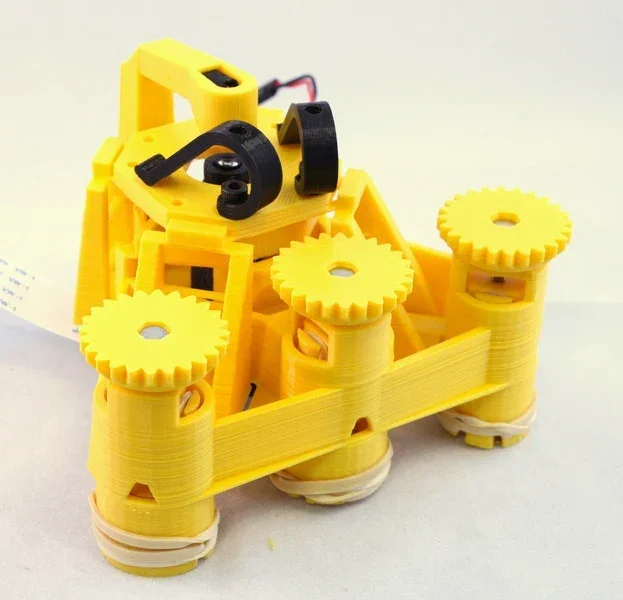
Richard Bowman and contributors' full microscope build instructions: printing, flexure actuators, two optical configurations, illumination, wiring, and motorization.
Image credit
docs/images/microscope_complete_1.jpg
Richard Bowman and OpenFlexure contributors · CERN-OHL-1.2Resized without cropping and converted to WebP for the project card.
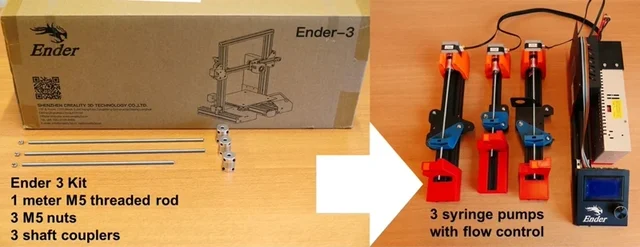
Sander Baas and Vittorio Saggiomo's open laboratory build: original project chapters, apparatus images, assembly and operating PDFs, and the characterization document.
Image credit
Figures/fig1.jpg
Sander Baas, Vittorio Saggiomo · MITResized without cropping and converted to WebP for the project card.
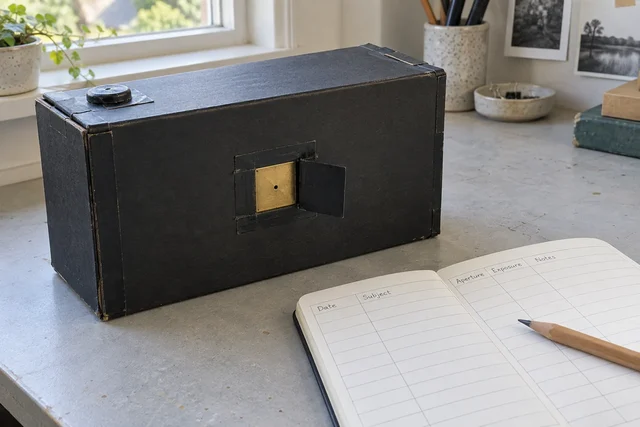
A reusable lensless camera plan, with the notes treated as part of the instrument rather than scraps to lose.