
A cardboard spectroscope and a little library of lamps
- Difficulty (editorial)
- Beginner
- Documentation
- Experiment
- Hardware
- No microcontroller
A fixed slit and grating; ordinary lamps only, never the sun or lasers.
Compare household light sources with a fixed slit and diffraction grating, without pretending an uncalibrated box is a laboratory instrument.
Two lamps can look white and still spread their light very differently. What is hiding inside that apparently ordinary color?
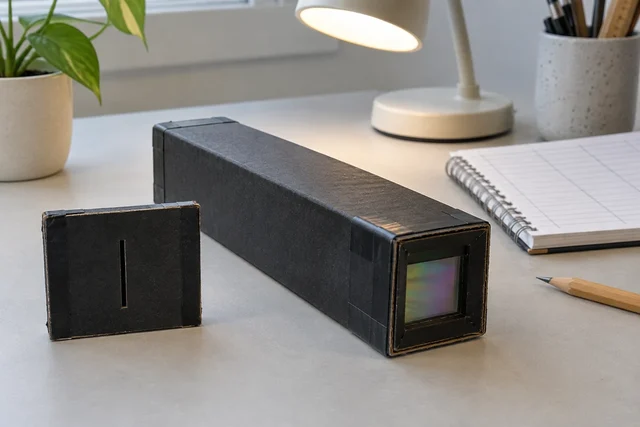
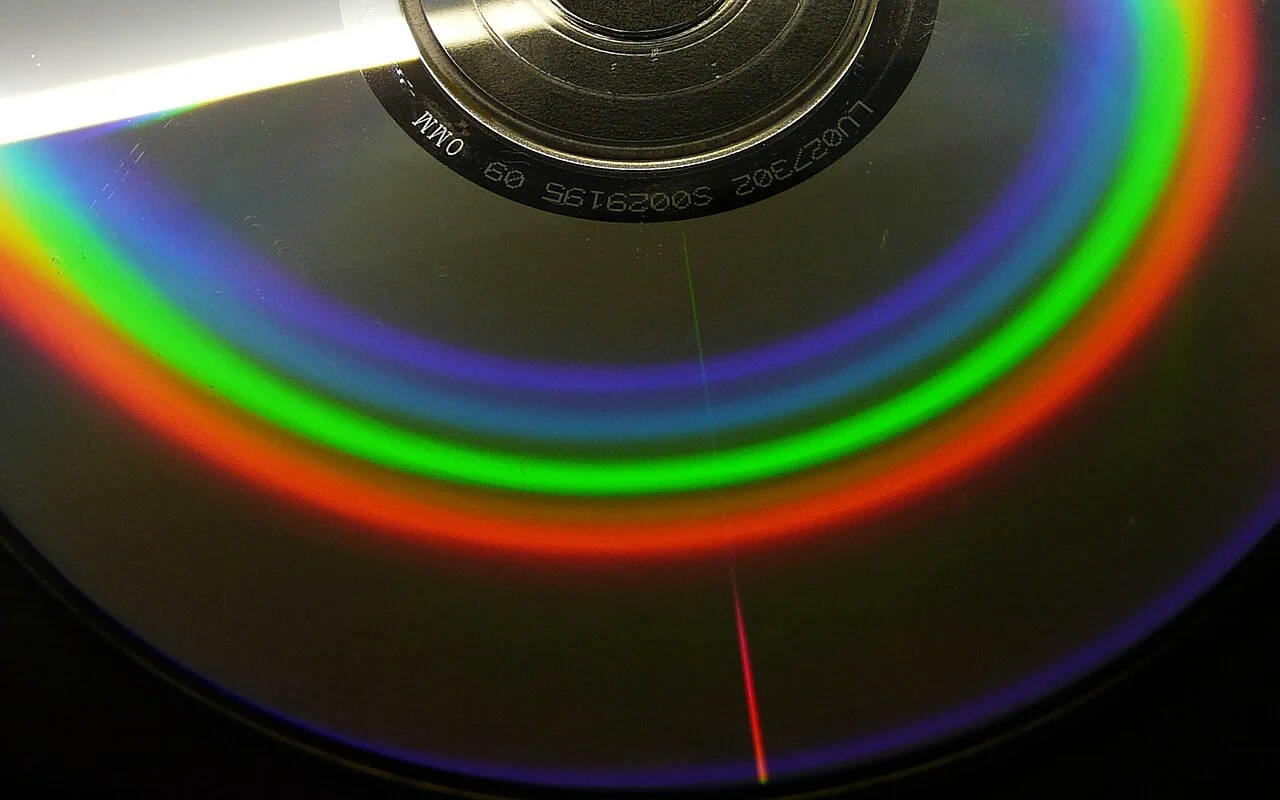
A cardboard spectroscope gives the question a place to live. The body blocks stray light, a narrow slit defines the incoming view, and a diffraction grating spreads the light into a spectrum. The cardboard is not the clever part. Keeping the geometry steady is.
Make the view repeatable
Use an educational diffraction-grating film and follow its supplier's construction guidance. Fix the slit and grating securely in an opaque body. A removable slit plate is useful because it can be adjusted or replaced without rebuilding the entire instrument.
The slit needs consistent edges. Do not improvise exposed razor blades for a casual desk experiment. Choose a documented, safely constructed slit arrangement and cover any sharp edges. Light sneaking around the plate can wash out the view you are trying to inspect.
Pick two ordinary indoor lamps for the first comparison. Do not use the Sun, lasers, or unusually intense sources. Looking through an improvised instrument does not make a bright source safe.
Keep the lamp distance and viewing position fixed. Mark where the instrument rests. A cardboard stop on the desk can be more useful than a more elaborate box that changes position every time it is picked up.
Start a library, not a ranking
Give each lamp an entry. Record the printed lamp type, its identifier, and the viewing setup before describing what you see. Keep that label separate from the observation. Knowing that a lamp is sold as a particular technology can bias the description of its spectrum.
Sketch broad bright regions and obvious gaps. Do not worry about making a beautiful drawing. The sketch is there to preserve differences you can inspect again. Use the same page orientation for every lamp so red and violet do not exchange ends between entries.
Try describing the view without naming its presumed cause:
- A broad colored band or several narrow bright regions?
- A smooth-looking transition or conspicuous gaps?
- A feature that stays in the same place when the view is repeated?
- A bright patch that moves when the instrument moves?
That last question is useful for noticing stray reflections. Not every attractive streak belongs in the spectrum.
Add a phone only after the eye comparison
A phone is convenient because it turns a fleeting view into a file. It also adds a camera, a lens, exposure control, white balance, processing, and another object that can move.
Make a support that returns the phone to the same place. Where the camera permits it, lock exposure and white balance. Keep those settings in the lamp's entry. Automatic changes can make a repeated view look different even when the source has not changed.
Do not interpret a saturated white patch as a very broad spectral feature. Try a documented exposure adjustment and repeat the view. Preserve the original file rather than replacing it with the most colorful edit.
A photograph can be evidence for a comparison without being a calibrated measurement. This instrument does not acquire wavelength accuracy simply because a phone can draw a scale over its image.
What the box can reasonably tell you
The first useful result is qualitative: these sources distribute visible light differently under the same viewing arrangement. Turning that into numerical wavelengths or intensities requires additional calibration and an understanding of the instrument and camera response.
That limit does not make the small experiment trivial. It makes the next question clearer. Which differences persist when the setup is repeated? Which disappear when stray light is blocked? Which seem to come from the phone rather than the lamp?
Keep one ordinary lamp as a reference and revisit it between unfamiliar ones. If its apparent spectrum changes substantially, investigate the setup before declaring a surprising new property of the next lamp.
The library becomes useful through accumulation: not one spectacular rainbow, but a set of comparable views. Leave space for a lamp that refuses to fit your first explanation. That is usually where the experiment gets interesting.
Materials
- Opaque cardboard box
- Educational diffraction grating
- Fixed narrow slit
- Notebook and optional phone mount
Build Steps
- 1
Fix the geometry
Mount the slit and grating securely using a documented design.
- 2
Compare ordinary lamps
Keep viewing position and camera settings consistent.
- 3
Label the limits
Record qualitative patterns without claiming calibrated wavelengths.
Keep exploring
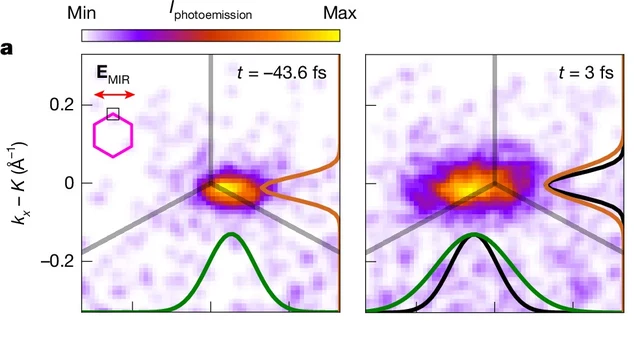
A Nature experiment maps light-driven electronic dynamics across graphene's momentum space. Sub-10-femtosecond frames and attosecond timing precision are different claims.
Image credit
Cropped measured momentum distributions from Figure 3a
V. Eggers et al. · CC BY 4.0Cropped to the two upper-left measured distributions in Figure 3a, retaining times, legend and axes; resized and encoded as WebP. Not a real-space photograph.
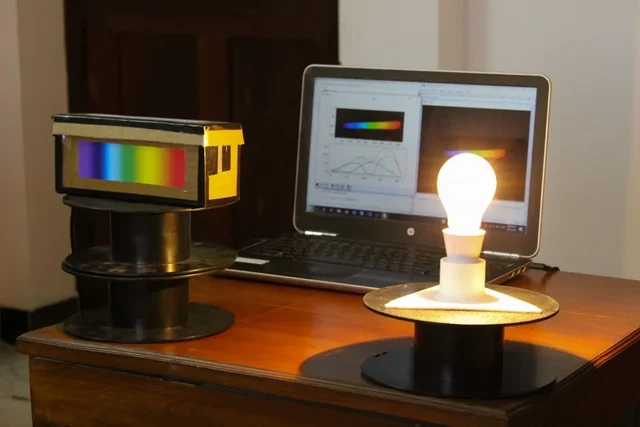
Kousheek Chakraborty's complete MIT-licensed analyser guide, original spectrometer photograph, and sample plots for exploring light with Python and OpenCV.
Image credit
media/overview.jpg
Kousheek Chakraborty · MITResized without cropping and converted to WebP for the project card.
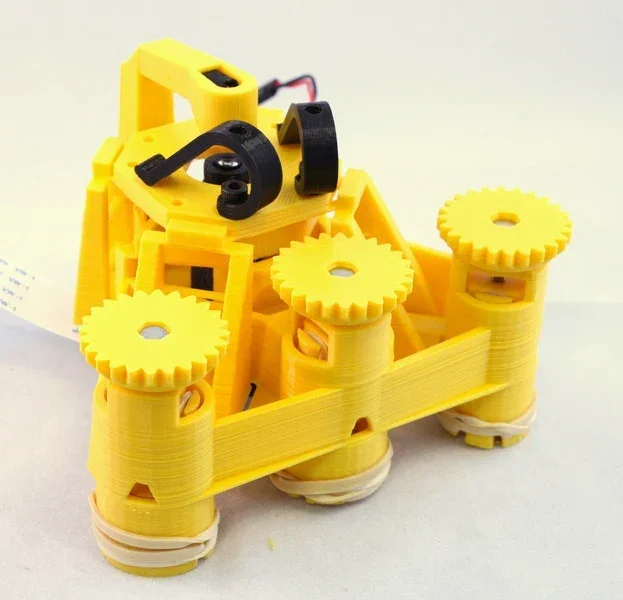
Richard Bowman and contributors' full microscope build instructions: printing, flexure actuators, two optical configurations, illumination, wiring, and motorization.
Image credit
docs/images/microscope_complete_1.jpg
Richard Bowman and OpenFlexure contributors · CERN-OHL-1.2Resized without cropping and converted to WebP for the project card.
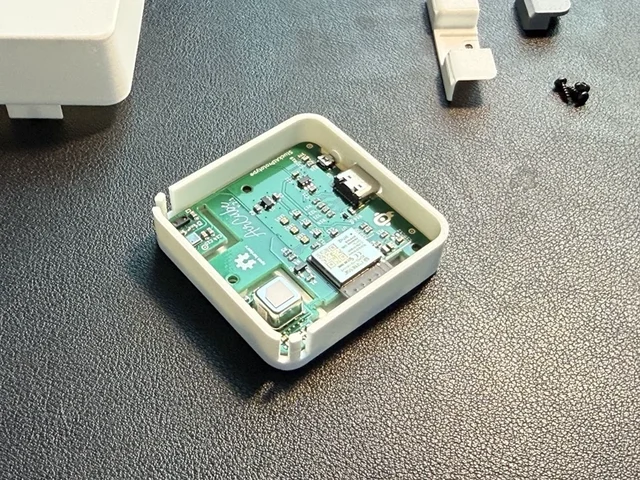
The creator's complete assembly, firmware, Home Assistant and integration documentation, with real Base and Pro build photographs.
Image credit
mechanical/guide_images/pro_C.jpg
StuckAtPrototype, AirCube contributors · Apache-2.0Resized without cropping and converted to WebP for the project card.