
A room sensor with the heat source kept out of the way
- Difficulty (editorial)
- Intermediate
- Documentation
- Experiment
- Hardware
- ESP32
ESP32 setup, a supported sensor, and a way to log comparable readings.
An ESP32 temperature and humidity station concept that tests placement before designing the enclosure.
The processor is warm. The sensor is supposed to measure the room. Those two facts should influence the enclosure before the enclosure is drawn.
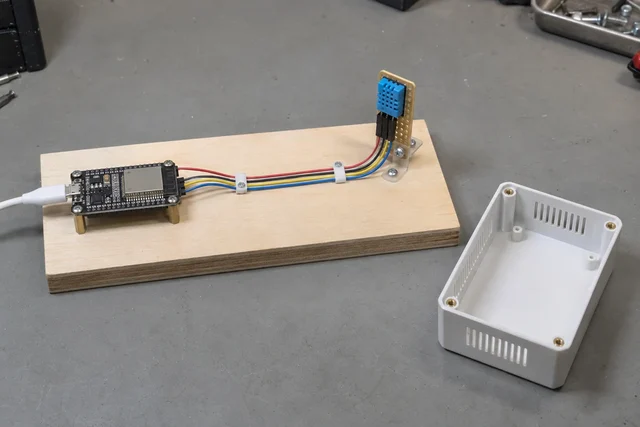
Begin with a supported ESP32 board and a documented temperature-humidity sensor mounted separately on an open base. Use the sensor manufacturer's wiring and supply guidance. USB logging is enough for the first version. Wireless reporting is useful later, after the measurements are understandable.
1. Establish a boring baseline
Give the sensor a fixed position away from the controller and power components. Keep it out of direct sunlight and away from vents or other obvious local influences. Record the arrangement with a photograph and note the room location.
Log raw readings with timestamps. Include restarts and failed reads. Do not quietly carry the last successful value forward under a new timestamp; a current-looking number should represent a current observation.
If you have a reference instrument, keep track of its location and limitations too. Two devices a short distance apart can experience different conditions. Agreement does not prove accuracy, and disagreement does not automatically identify the faulty instrument.
Allow the setup to settle before comparing positions. The appropriate interval depends on the sensor, its packaging, and the conditions. Use the manufacturer's documentation rather than inventing a universal waiting time.
2. Change placement, then return
Compare the open sensor position with a position nearer the controller, keeping the rest of the setup fixed. Return to the original position afterward. That return is useful because the room may have changed during the test.
Keep a simple sequence in the notes: original position, comparison position, original position again. Record what moved and when. If a cable was rerouted or a support changed, include it.
Do not average the whole session into one number before looking at the sequence. A gradual room change and a placement effect can produce similar summary averages while telling different stories.
3. Change controller activity
Once placement is understood, compare the intended operating modes. Does wireless reporting coincide with a change in readings? Does a busier processing task change the local conditions? These are questions to test, not results to assume.
Keep the reporting schedule and configuration in the log. A code revision that changes both sample timing and wireless activity is not a clean comparison. Give each version an identifier that can be matched to its data.
The goal is not to eliminate every small difference. It is to know which differences come from the room and which may come from the instrument you put in it.
4. Test the enclosure as another component
Only now add a ventilated enclosure. Keep the sensor exposed to the air it is intended to measure while protecting the assembly appropriately. Avoid placing the sensor directly against a warm board or a surface warmed by sunlight.
Compare enclosed operation with the open arrangement under similar conditions, again returning to the earlier setup where practical. Check cable access, mounting pressure, and ventilation. A case can change more than appearance.
The final location deserves the same attention as the case. A convenient windowsill may be measuring a very specific patch of sun-warmed air. A position above a computer can be equally specific. Neither is automatically representative of the room.
Keep the final display restrained: a reading, its time, and an explicit missing-data state. Extra decimal places do not establish extra accuracy. This is a room monitor, not a calibrated weather station or a safety alarm.
The useful finishing test is whether someone can understand a gap, a restart, and an ordinary reading without asking what the firmware was doing. A readable log is part of the instrument.
Materials
- Supported ESP32 development board
- Documented temperature and humidity sensor
- USB supply and logging computer
- Separate sensor mount and ventilated enclosure
Build Steps
- 1
Log on the bench
Record timestamps and raw readings before networking.
- 2
Compare placement
Move only the sensor location and annotate each change.
- 3
Test the enclosure
Compare enclosed and open operation under similar conditions.
Keep exploring
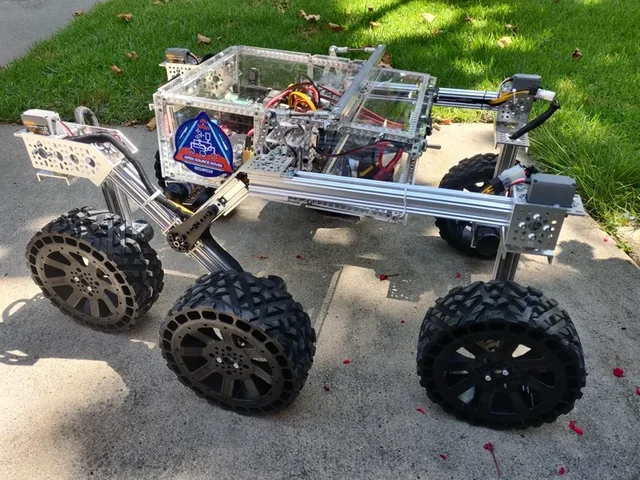
Choose a LEGO microscope, ESP32 oscilloscope, laboratory syringe pump, haptic dial, DIY e-reader, synthesizer, or JPL rover using complete credited source documentation.
Image credit
images/osr-side-outside.jpg
JPL / California Institute of Technology and Open Source Rover contributors · Apache-2.0Resized without cropping and converted to WebP for the project card.
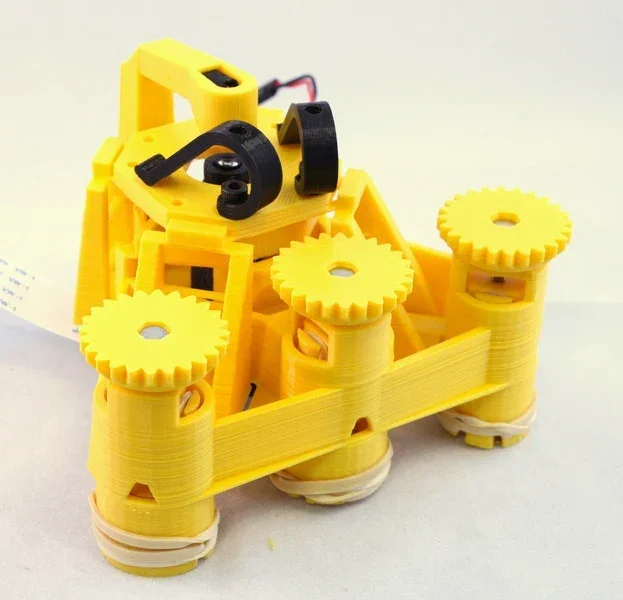
Richard Bowman and contributors' full microscope build instructions: printing, flexure actuators, two optical configurations, illumination, wiring, and motorization.
Image credit
docs/images/microscope_complete_1.jpg
Richard Bowman and OpenFlexure contributors · CERN-OHL-1.2Resized without cropping and converted to WebP for the project card.
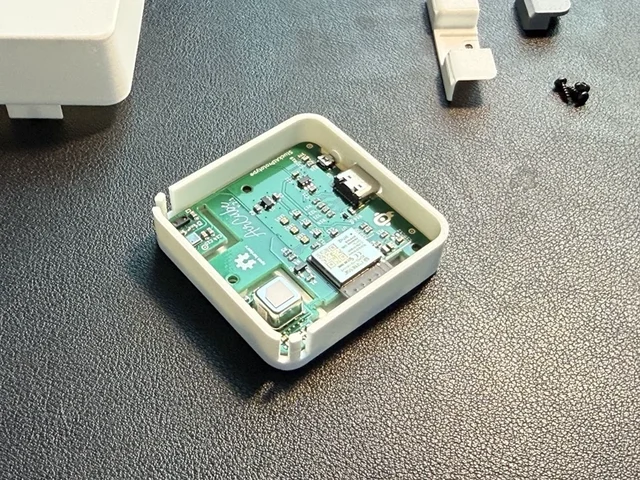
The creator's complete assembly, firmware, Home Assistant and integration documentation, with real Base and Pro build photographs.
Image credit
mechanical/guide_images/pro_C.jpg
StuckAtPrototype, AirCube contributors · Apache-2.0Resized without cropping and converted to WebP for the project card.
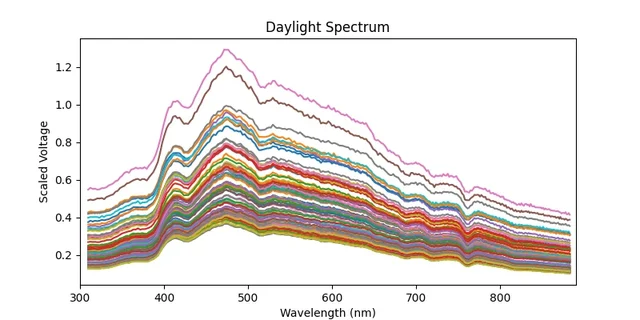
Bob Dougherty's complete guide to a networked Hamamatsu C12880MA spectrometer, with sensor connections, calibration requirements, API endpoints, and the original daylight measurements.
Image credit
examples/spec.png
Bob Dougherty · MITResized without cropping and converted to WebP for the project card.